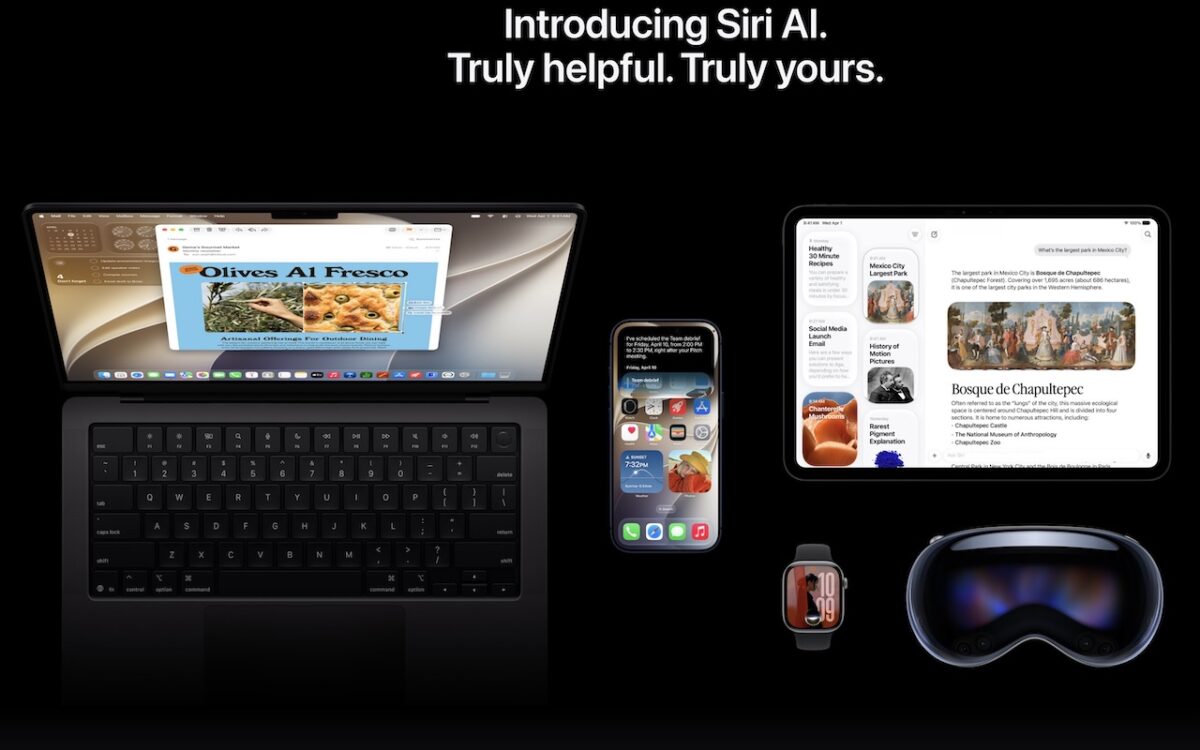
Apple is gearing up to release macOS 27 Golden Gate, iOS 27, iPadOS 27, watchOS 27, tvOS 27, and visionOS 27. We briefly examine the features worth upgrading for and suggest when to upgrade each of your Apple devices.
 Ask Adam LLC: macOS & iOS consulting
Apple is gearing up to release macOS 27 Golden Gate, iOS 27, iPadOS 27, watchOS 27, tvOS 27, and visionOS 27. We briefly examine the features worth upgrading for and suggest when to upgrade each of your Apple devices.

Tired of ads and pop-ups interrupting your reading? Safari Reader reformats Web articles for distraction-free viewing on the iPhone, iPad, and Mac — and it can even activate automatically.
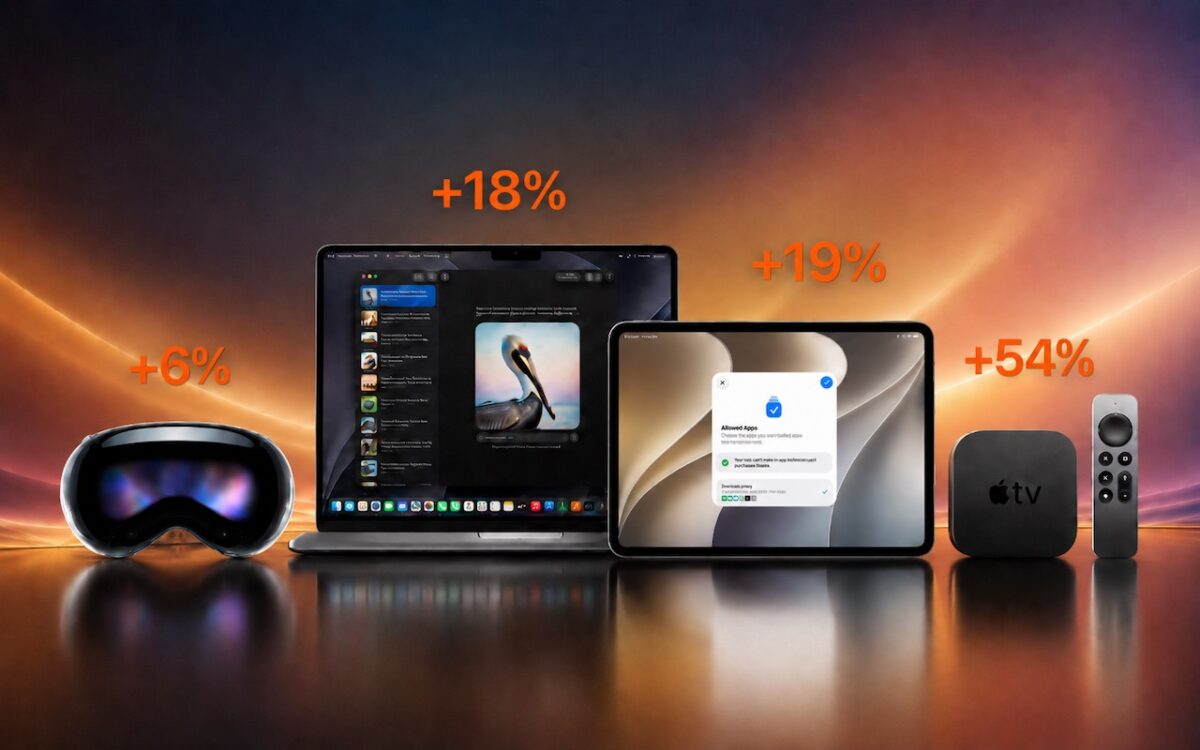
Apple just raised Mac and iPad prices by 15–33%, blaming the AI industry’s hunger for memory and storage chips. The iPhone and Apple Watch were spared, but the next new models may be more expensive. Here’s what you need to know.

When’s the right time to upgrade your Mac, iPhone, iPad, or Apple Watch? The key warning signs: a battery that no longer lasts all day, performance lags, and the end of security updates. Here’s how to time it right.
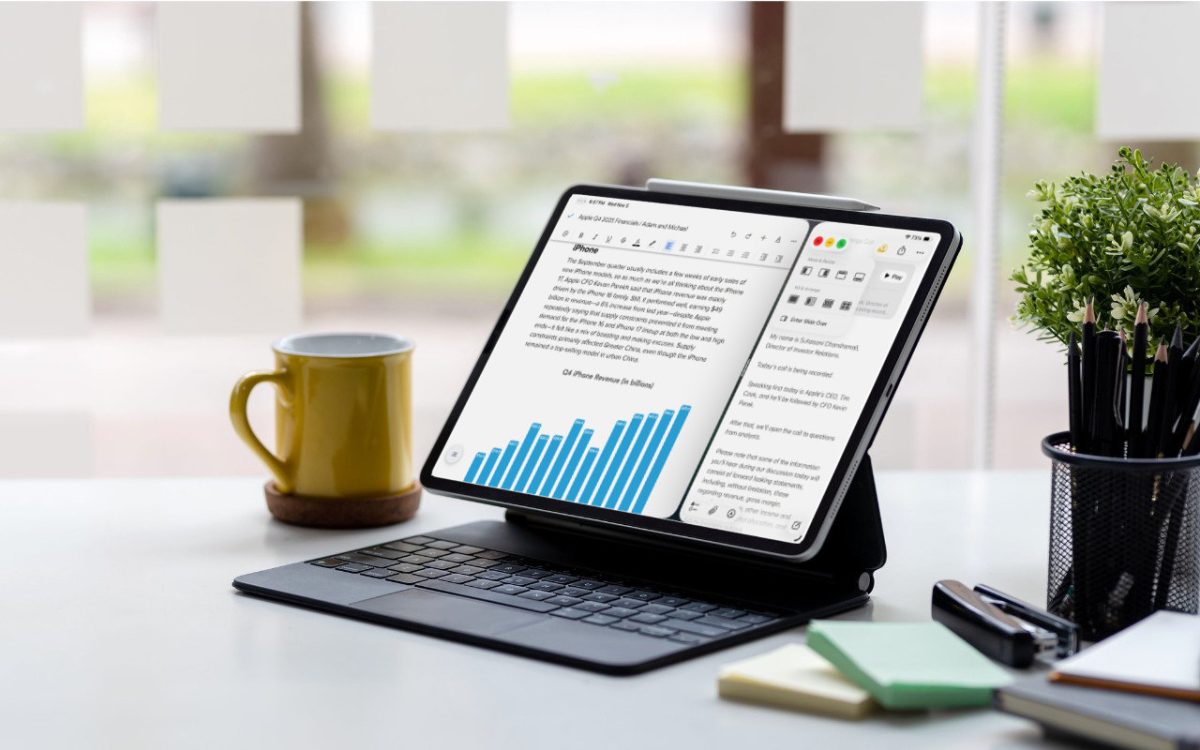
iPadOS 26 finally brings Mac‑style multitasking to the iPad. Learn how to enable windowed apps, use the new menu bar, work with windows, and master Slide Over (back in iPadOS 26.1) for faster workflows.
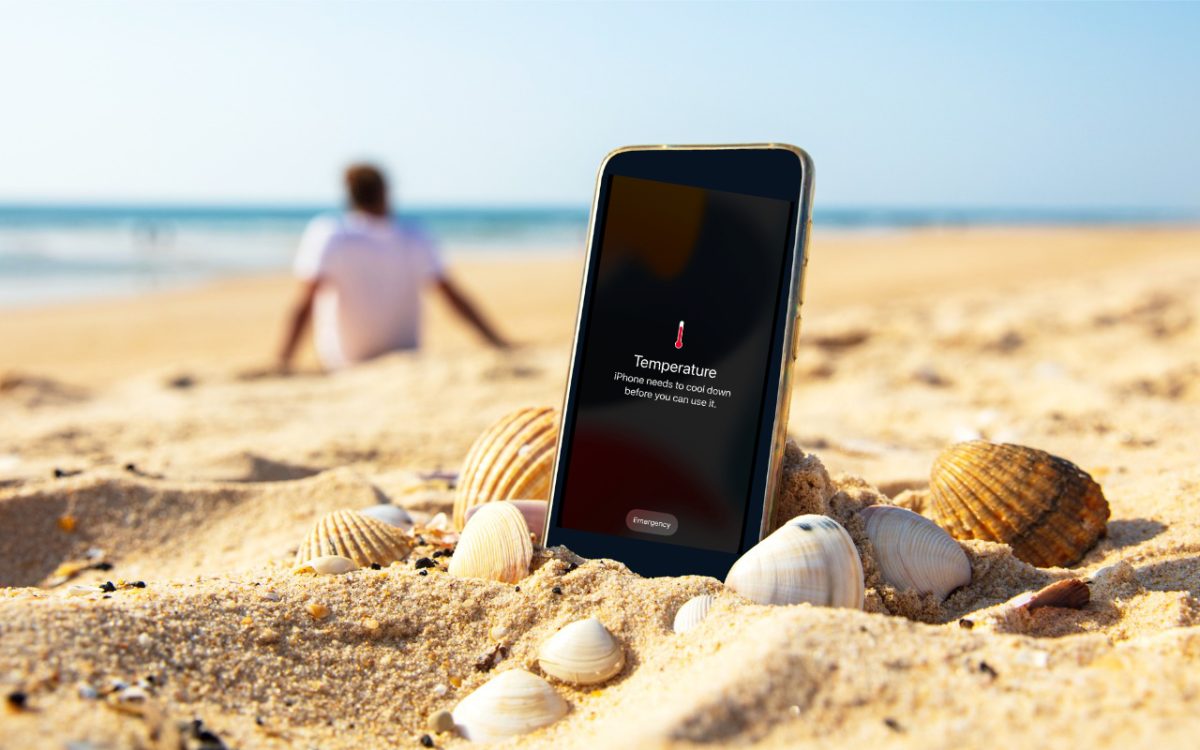
Think your Apple devices can handle the summer heat? Think again. Discover how high temperatures can damage your iPhone, iPad, and Mac — and what you can do to keep them safe.

Apple’s latest iPad and iPad Air updates make them faster and more appealing without increasing prices. If you’re in the market for an iPad, the iPad remains a steal and the iPad Air offers all the performance most people will ever need.

If you’d like to allow a child, friend, or colleague to enjoy a specific app on your iPhone or iPad while keeping them focused and preventing access to everything else on the device, check out Apple’s Guided Access feature.

The new Control Center in iOS 18 and iPad OS 18 is vastly more customizable and has more options. Here’s what’s on offer and how to use it.
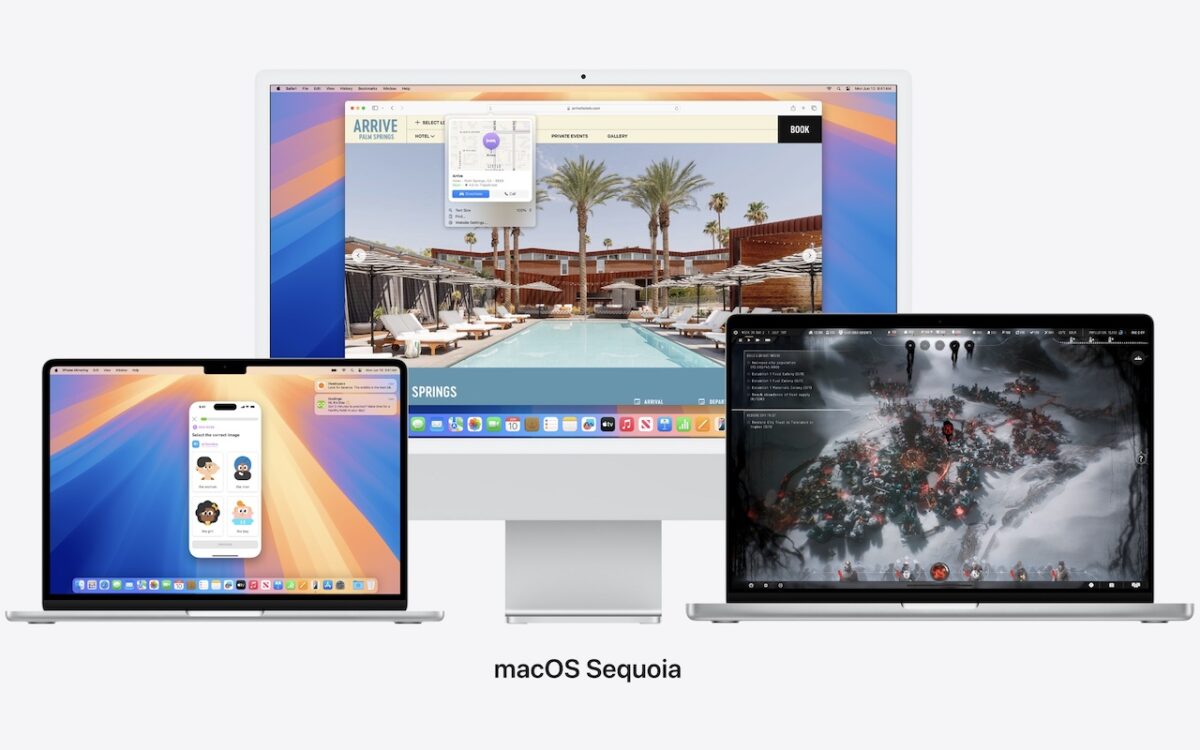
Apple is gearing up to release macOS 15 Sequoia, iOS 18, iPadOS 18, watchOS 11, tvOS 18, and visionOS 2. We briefly examine the features worth upgrading for and suggest when to upgrade each of your Apple devices.