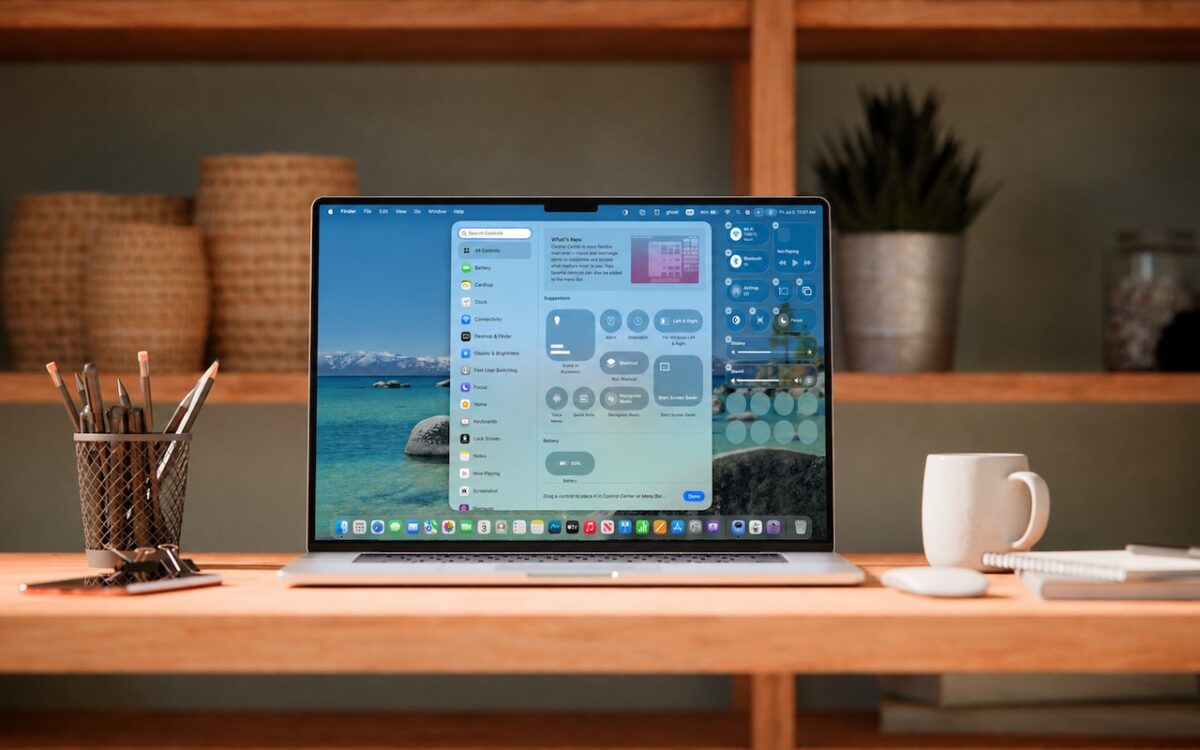
Stop wasting menu bar space. macOS 26 Tahoe’s revamped Control Center lets you add, remove, resize, and rearrange controls — including third-party ones — to fit your needs.
 Ask Adam LLC: macOS & iOS consulting
Stop wasting menu bar space. macOS 26 Tahoe’s revamped Control Center lets you add, remove, resize, and rearrange controls — including third-party ones — to fit your needs.
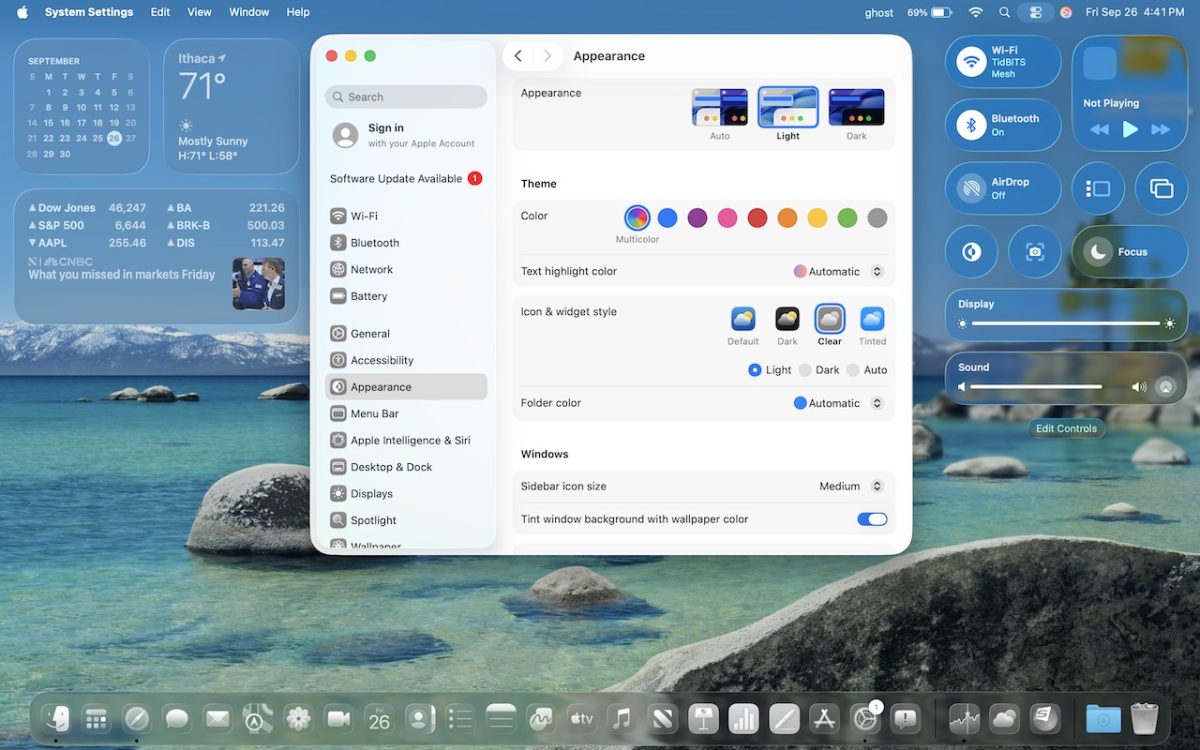
From transparent menu bars to customized folders, macOS 26 Tahoe introduces the most significant visual update in years. Discover the key interface changes that will influence your daily Mac use… and which you can turn off.

The new Control Center in iOS 18 and iPad OS 18 is vastly more customizable and has more options. Here’s what’s on offer and how to use it.