Put an end to the “where are you now?” texts. iOS lets you temporarily share your location with friends and family while traveling — here’s how to set it up in Messages.

 Ask Adam LLC: macOS & iOS consulting
Put an end to the “where are you now?” texts. iOS lets you temporarily share your location with friends and family while traveling — here’s how to set it up in Messages.

Still thinking of AI as just a chatbot? Today’s tools search the Web, run code, access your files, and can even take actions — all triggered from the same chat interface. The results are better but come with new responsibilities.
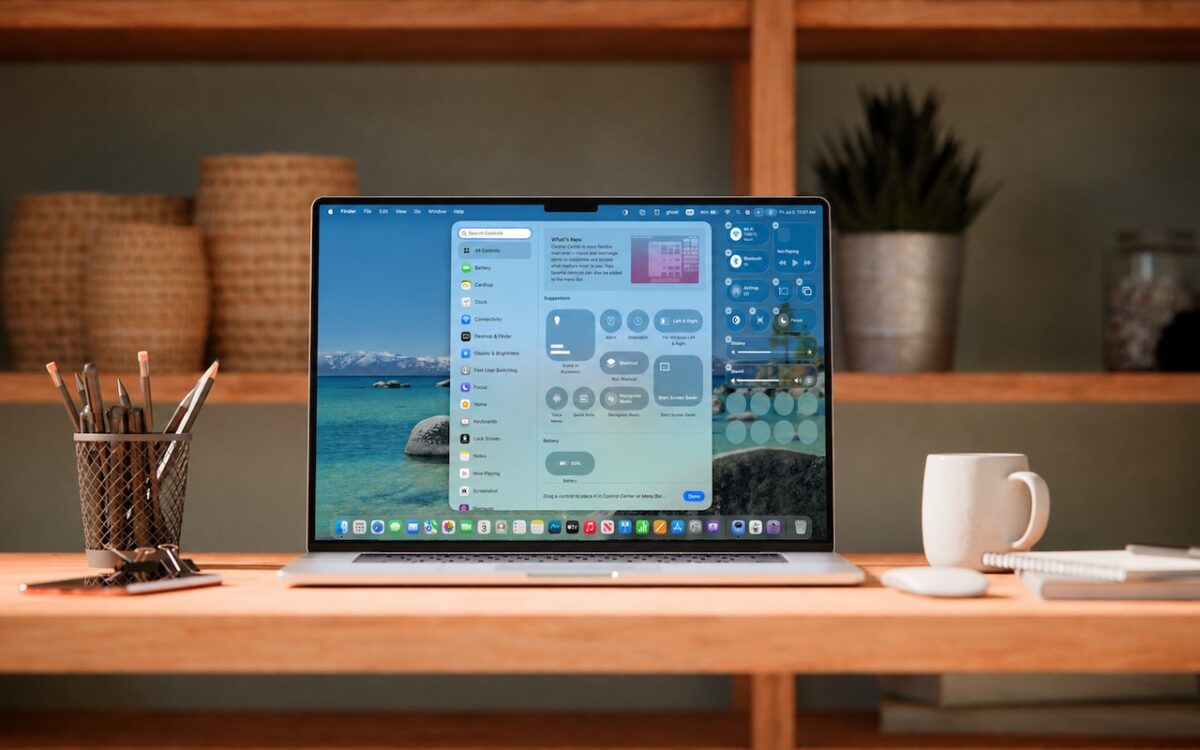
Stop wasting menu bar space. macOS 26 Tahoe’s revamped Control Center lets you add, remove, resize, and rearrange controls — including third-party ones — to fit your needs.
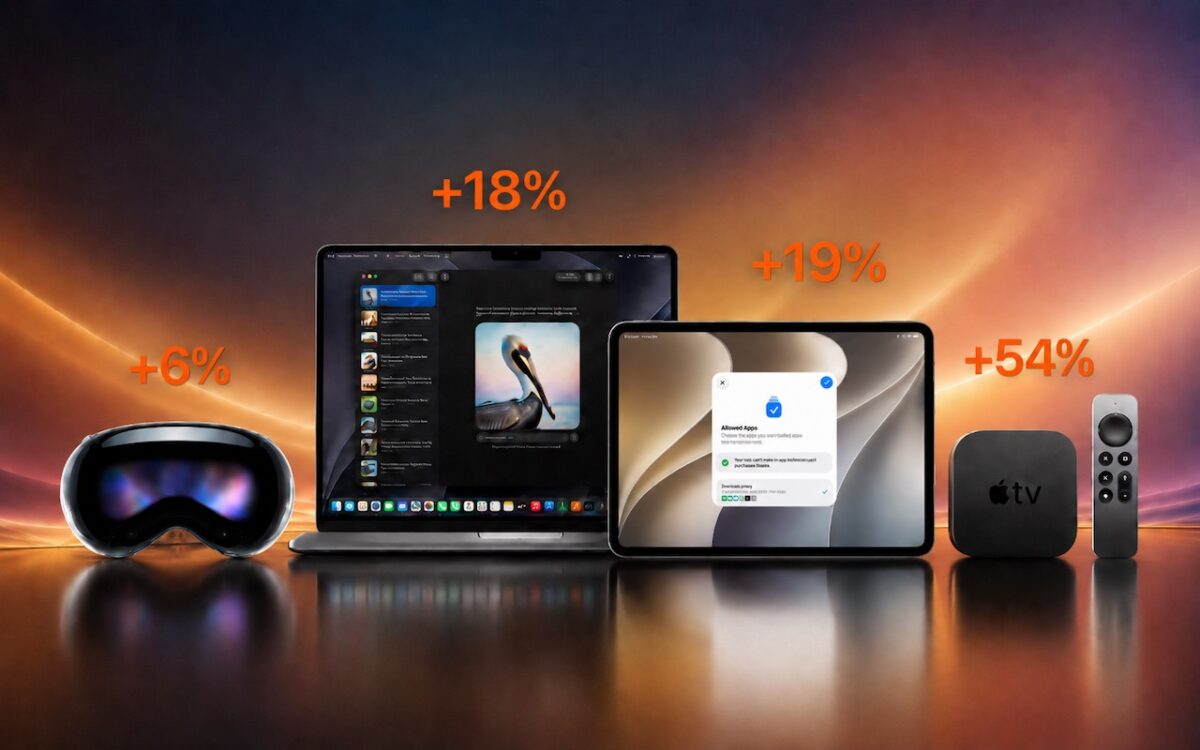
Apple just raised Mac and iPad prices by 15–33%, blaming the AI industry’s hunger for memory and storage chips. The iPhone and Apple Watch were spared, but the next new models may be more expensive. Here’s what you need to know.

Need to share passwords, financial details, or sensitive documents securely? Email alone isn’t safe enough. Learn eight practical methods — from self-destructing links to encrypted disk images — that protect your data in transit and at rest.

From a smarter Siri AI to faster app launches and better parental controls, here are 10 reasons Apple’s version 27 updates may entice you to upgrade when they ship this fall.
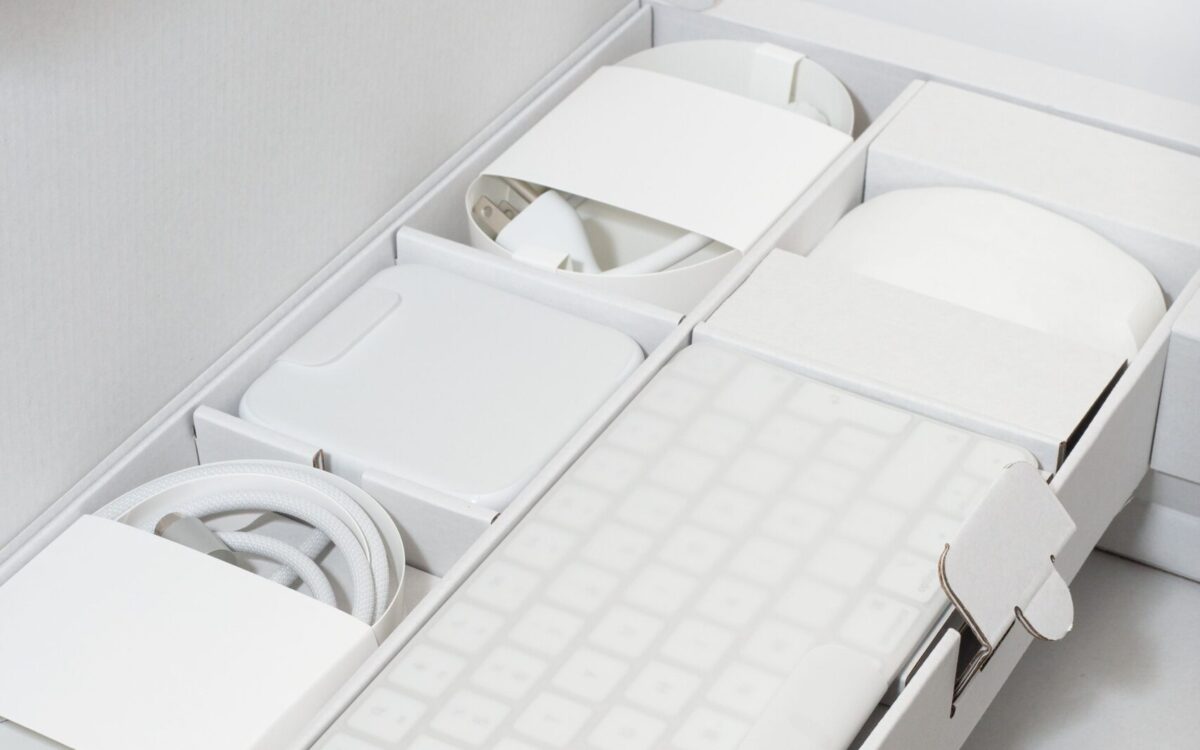
When’s the right time to upgrade your Mac, iPhone, iPad, or Apple Watch? The key warning signs: a battery that no longer lasts all day, performance lags, and the end of security updates. Here’s how to time it right.

Microsoft Office 2019 for Mac will become read-only on July 13, 2026. Check your version now and explore your upgrade options before you lose the ability to create and edit documents.

Frustrated when Dictation on the iPhone mangles what you meant to say? Create fake contacts for troublesome words, and Dictation will learn to recognize them correctly across all your Apple devices.

About to join a video call? The free Mac app Hand Mirror adds a menu bar icon that instantly shows your webcam view so you can check your hair before anyone else sees it.