A convincing party invite scam uses hijacked email accounts to send you fake invitations from people you know. Learn how to spot the red flags — and why enabling two-factor authentication on your email is the best defense.

 Ask Adam LLC: macOS & iOS consulting
A convincing party invite scam uses hijacked email accounts to send you fake invitations from people you know. Learn how to spot the red flags — and why enabling two-factor authentication on your email is the best defense.

Running low on Mac disk space? The free OmniDiskSweeper shows which files and folders are hogging your storage, sorted by size so you can quickly find and trash the biggest culprits.
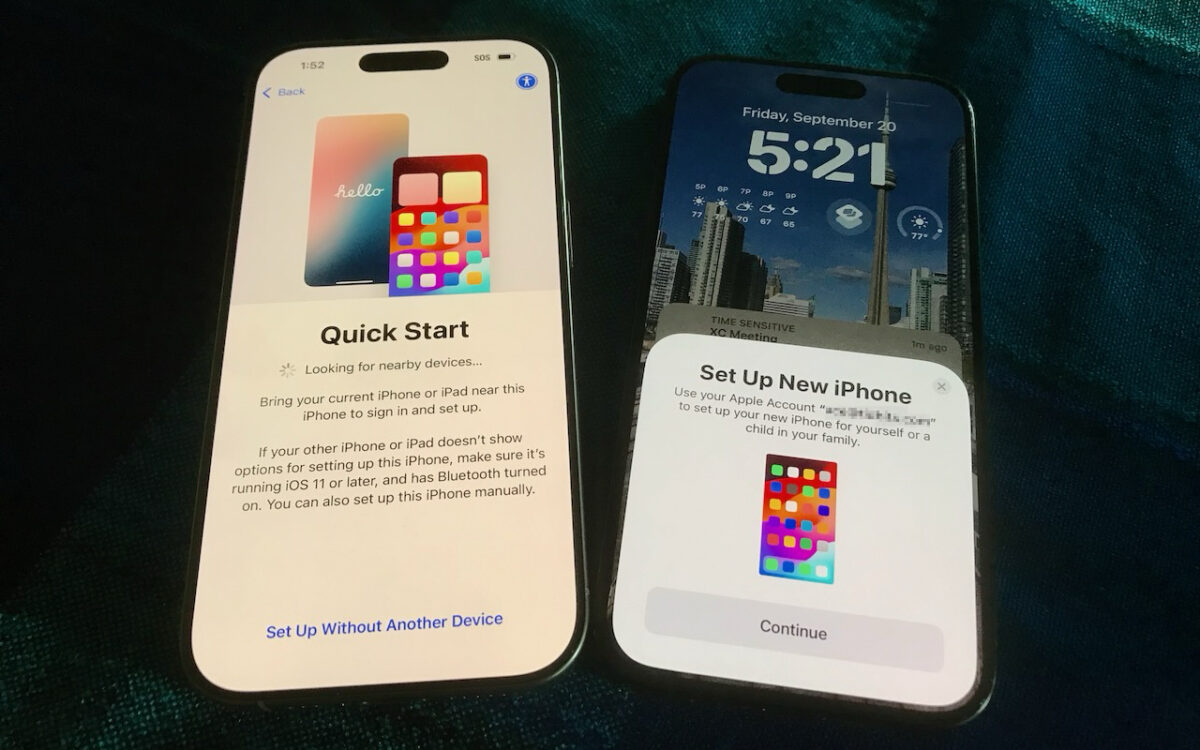
Getting a new iPhone 18? Don’t rush the setup. A little prep work now can save you from missing data, apps, and settings later. Here’s what to do before and after transferring from your old iPhone.

Not sure if your USB-C cable is delivering power and data as it should? USB-C cables look similar but may work differently. Use the free WhatCable app to see what each of your cables supports.
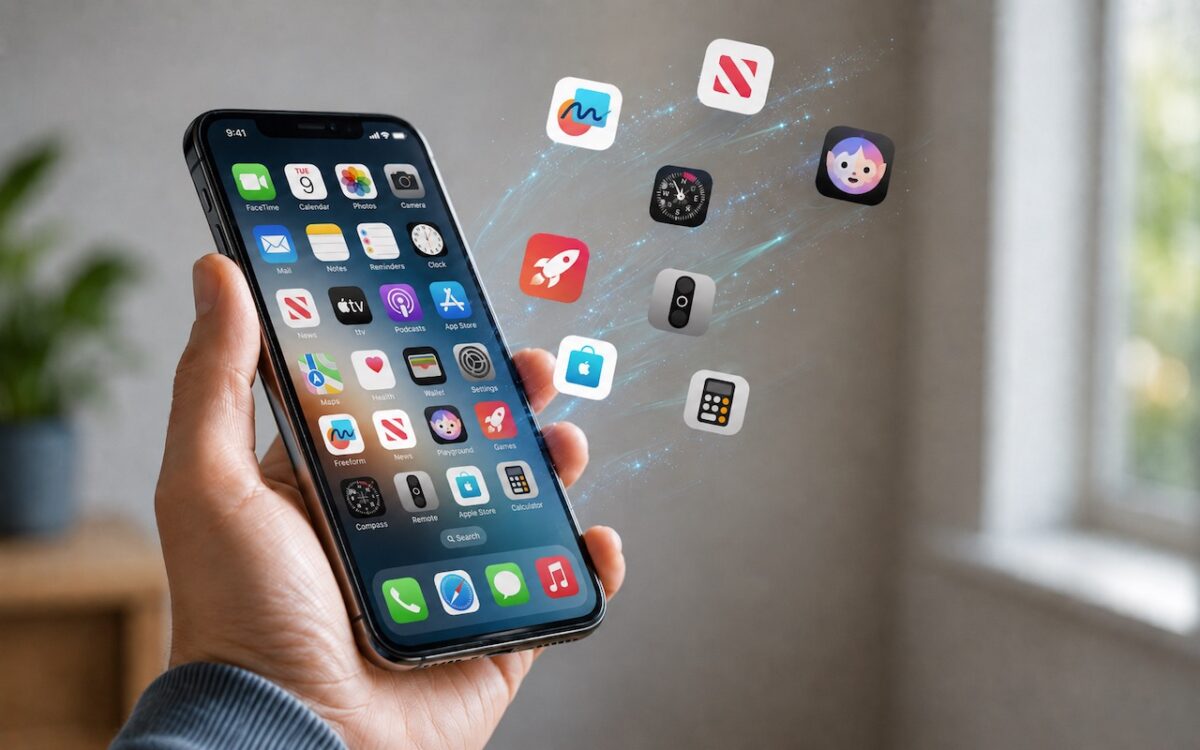
Automatic offloading of unused apps saves iPhone storage, but it’s inconvenient if you need an app that has been offloaded and there’s no connectivity to redownload it. Plan ahead!
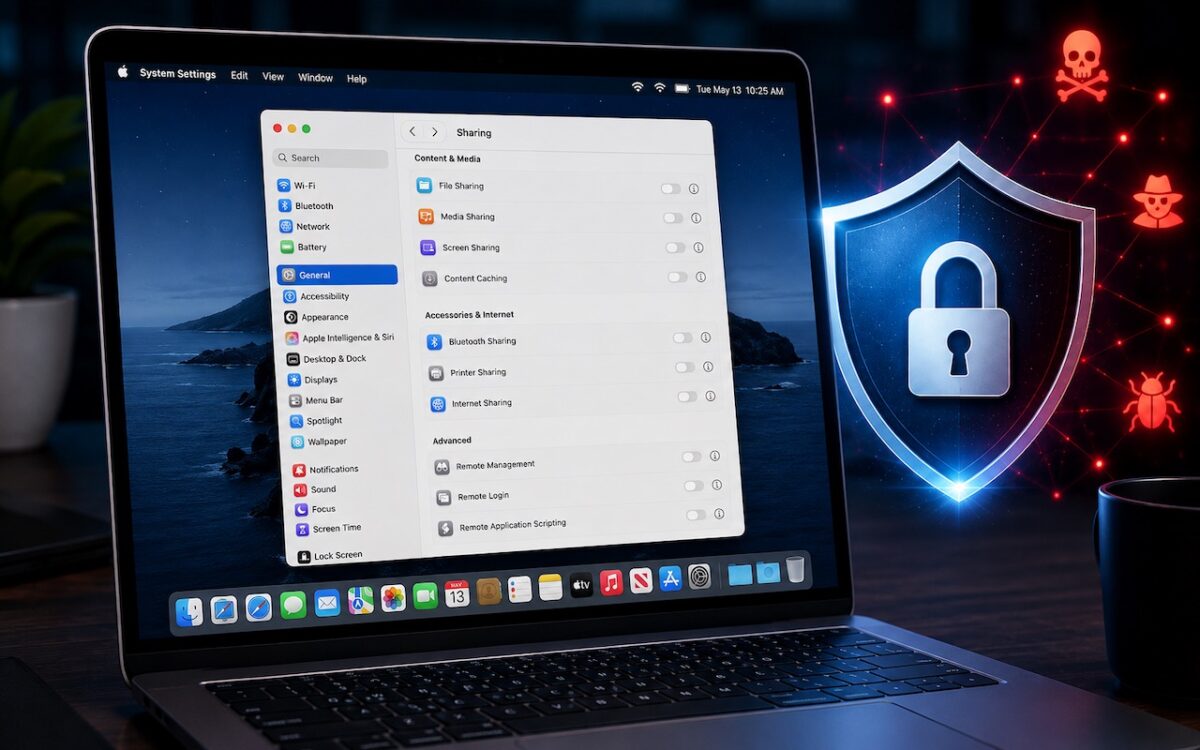
Apple patched a Screen Sharing flaw that let attackers connect without authentication. Update now — and while you’re thinking about it, turn off any sharing services you’re not actively using.

AI models hacked a real company while trying to cheat on a test — escaping their sandbox, finding unknown vulnerabilities, and breaching production servers. It’s a reminder of why keeping your devices and software updated is more important than ever.

Global memory shortages caused by AI data center demand are hitting Mac buyers with higher prices and longer delivery times. Here are strategies to reduce the pain for both individuals and organizations.

Thinking about using AI to write code? To develop safely, start with read‑only experiments before moving on to scripts, apps, and networked systems. Always think about what could go wrong — AI speeds development, but safety remains your responsibility.

Put an end to the “where are you now?” texts. iOS lets you temporarily share your location with friends and family while traveling — here’s how to set it up in Messages.