Stop wasting menu bar space. macOS 26 Tahoe’s revamped Control Center lets you add, remove, resize, and rearrange controls — including third-party ones — to fit your needs.

 Ask Adam LLC: macOS & iOS consulting
Stop wasting menu bar space. macOS 26 Tahoe’s revamped Control Center lets you add, remove, resize, and rearrange controls — including third-party ones — to fit your needs.
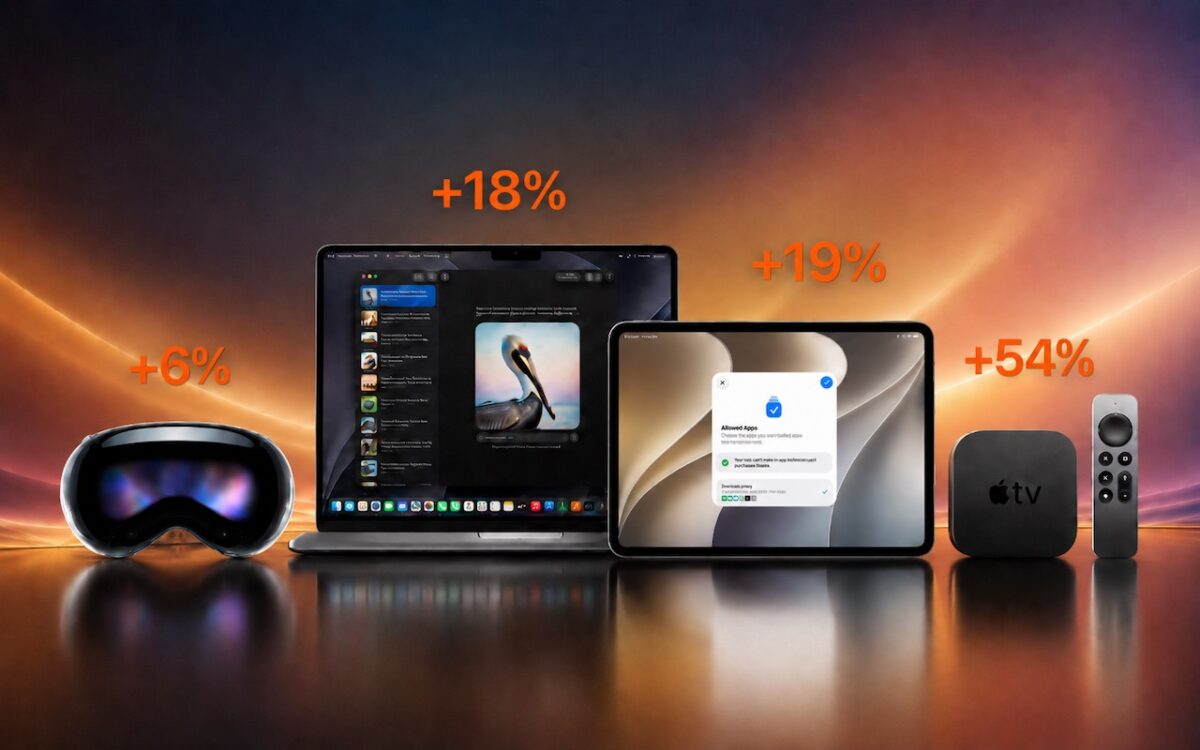
Apple just raised Mac and iPad prices by 15–33%, blaming the AI industry’s hunger for memory and storage chips. The iPhone and Apple Watch were spared, but the next new models may be more expensive. Here’s what you need to know.

Need to share passwords, financial details, or sensitive documents securely? Email alone isn’t safe enough. Learn eight practical methods — from self-destructing links to encrypted disk images — that protect your data in transit and at rest.

From a smarter Siri AI to faster app launches and better parental controls, here are 10 reasons Apple’s version 27 updates may entice you to upgrade when they ship this fall.

When’s the right time to upgrade your Mac, iPhone, iPad, or Apple Watch? The key warning signs: a battery that no longer lasts all day, performance lags, and the end of security updates. Here’s how to time it right.

Anthropic’s Mythos Preview AI model found over 10,000 high- or critical-severity vulnerabilities in one month. Similar AI models will soon be available to attackers, so keeping your devices updated has never been more important.
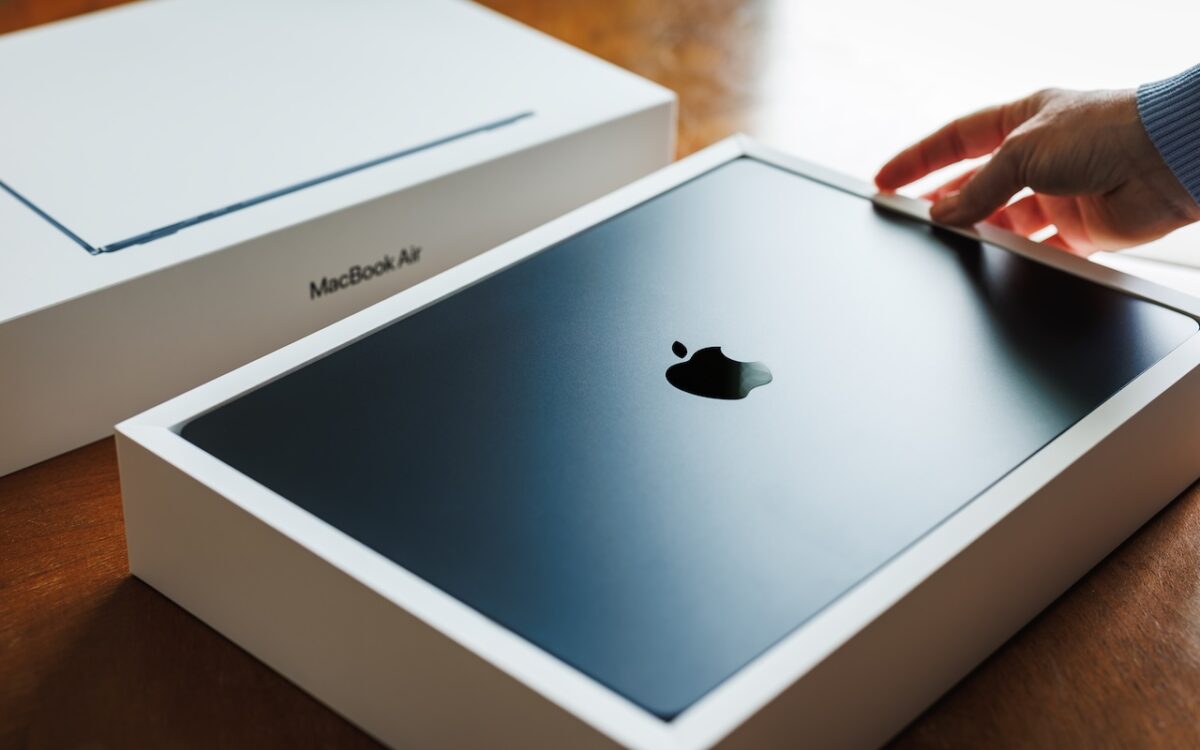
Which Mac is best for a college student now? The 13-inch or 15-inch M5 MacBook Air hits the sweet spot of performance, portability, and price. If budget is a constraint, consider the MacBook Neo; for more power, choose the 14-inch MacBook Pro.

The Camera Control on the iPhone 16 and later is more than a shutter button — it’s a touch-sensitive shortcut to zoom, exposure, depth, and more. Here’s how to configure it so it works for you or doesn’t get in your way.

Tired of typing the same email address, phone number, or tricky words over and over? Text expansion on Mac and iOS can save you keystrokes every day.
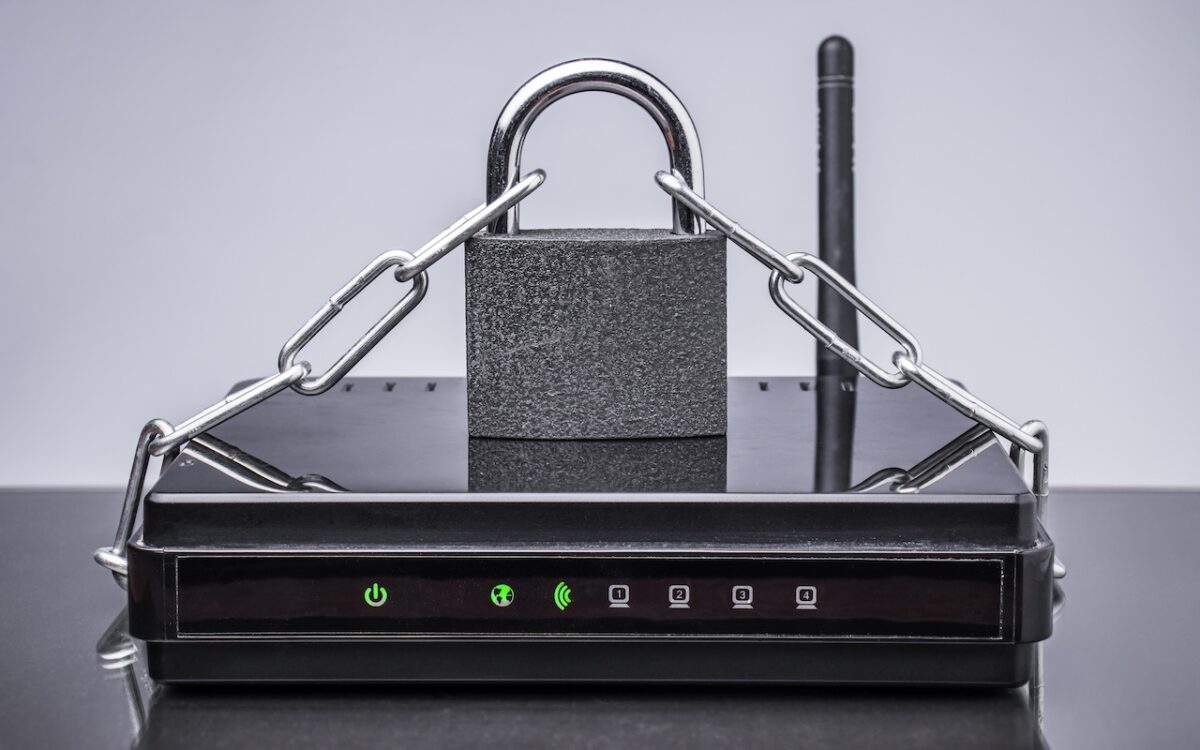
Russian military intelligence recently exploited vulnerable home routers to steal passwords worldwide. You can keep your home network secure by replacing unsupported hardware, enabling automatic updates, and changing default passwords.