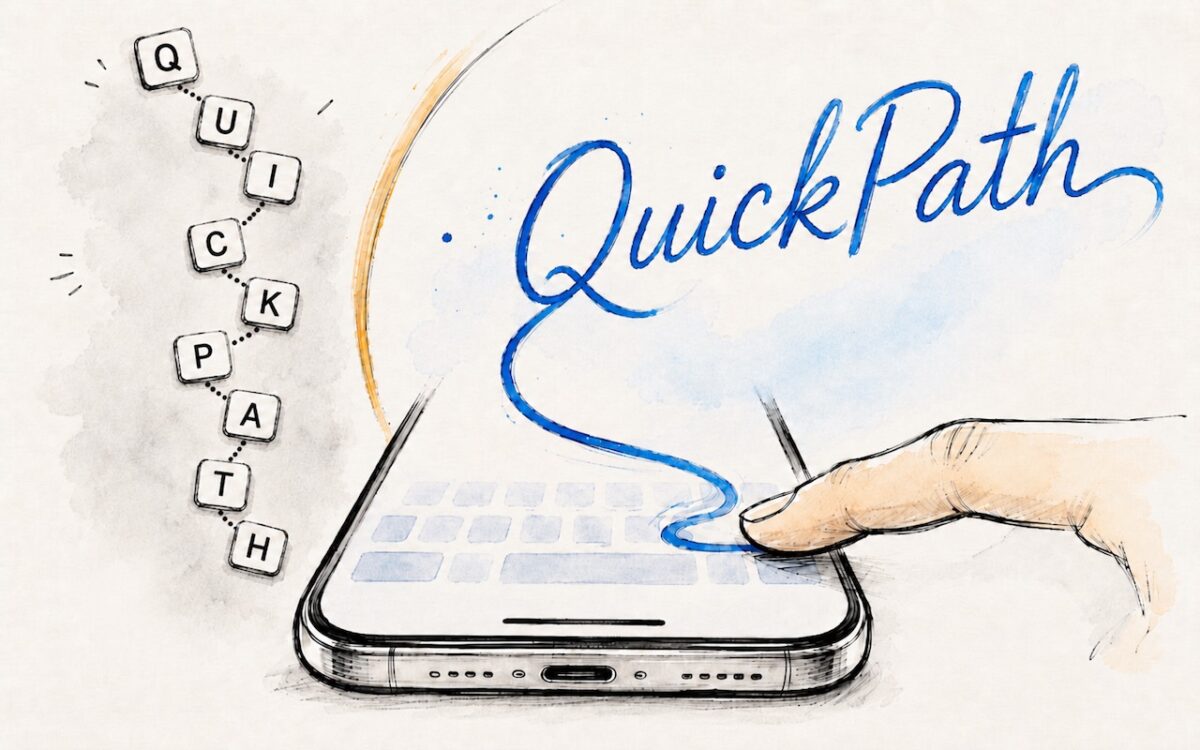
Tired of hunt-and-peck typing on your iPhone? Try QuickPath — just drag your finger across each letter in a word to swipe-type it. It’s surprisingly accurate and worth learning.
 Ask Adam LLC: macOS & iOS consulting
Tired of hunt-and-peck typing on your iPhone? Try QuickPath — just drag your finger across each letter in a word to swipe-type it. It’s surprisingly accurate and worth learning.

Put an end to the “where are you now?” texts. iOS lets you temporarily share your location with friends and family while traveling — here’s how to set it up in Messages.

Microsoft Office 2019 for Mac will become read-only on July 13, 2026. Check your version now and explore your upgrade options before you lose the ability to create and edit documents.

Frustrated when Dictation on the iPhone mangles what you meant to say? Create fake contacts for troublesome words, and Dictation will learn to recognize them correctly across all your Apple devices.

About to join a video call? The free Mac app Hand Mirror adds a menu bar icon that instantly shows your webcam view so you can check your hair before anyone else sees it.
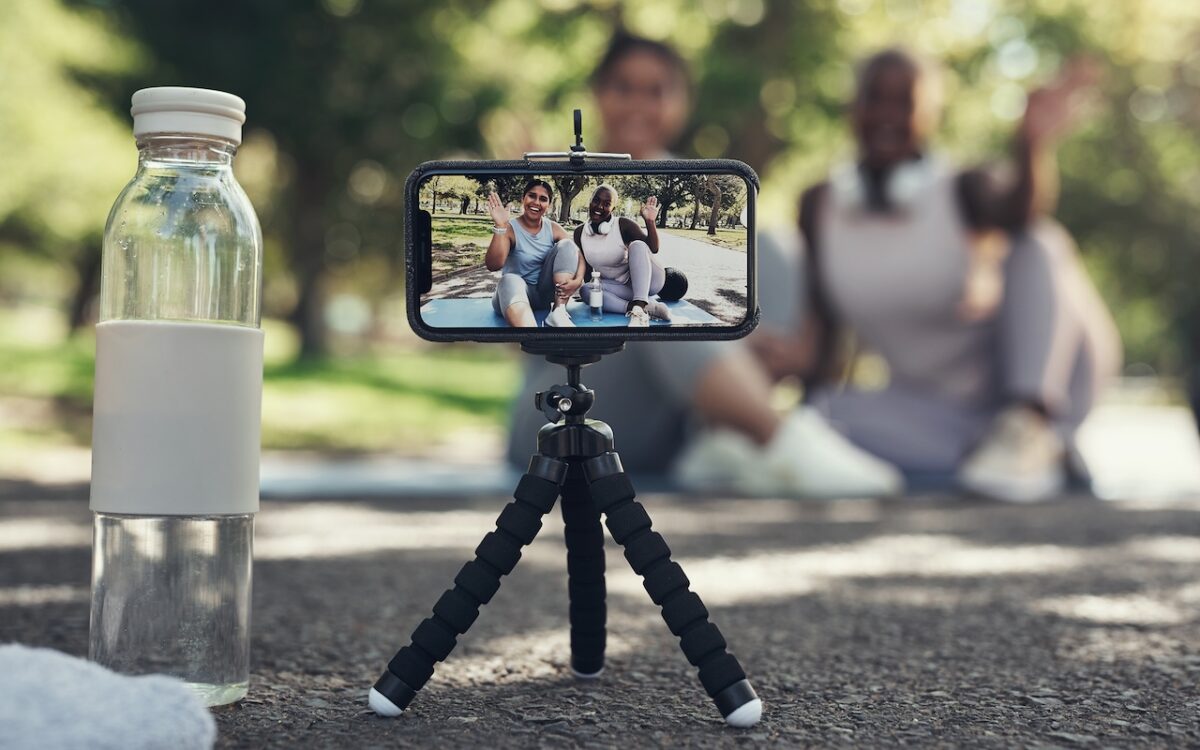
Your AirPods can now double as a camera remote in iOS 26. Here’s how to set it up so a press or press-and-hold triggers the shutter to take a photo or start and stop a video.
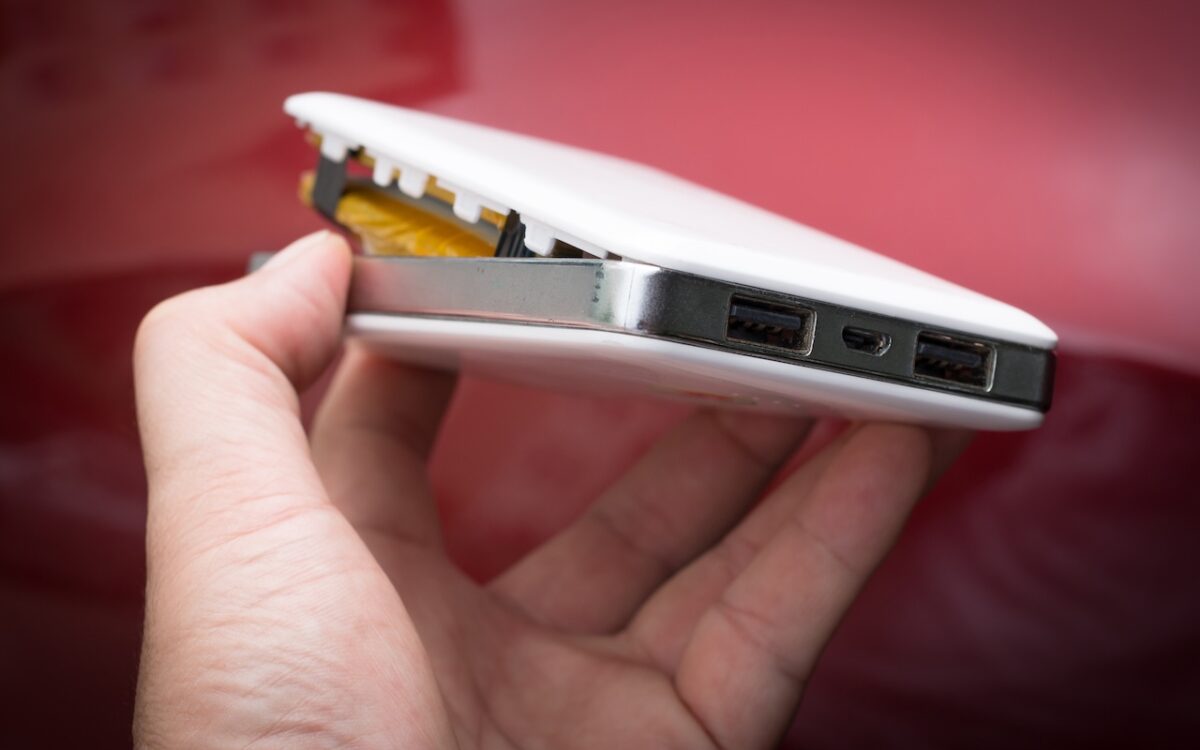
A study found that nearly 8% of cheap lithium-ion batteries have dangerous manufacturing defects that can cause catastrophic failure — even fires — while name-brand cells had none. Stick with reputable brands.
Those who have been missing Safari’s compact tab bar are in luck — it’s back as of macOS 26.4 and iPadOS 26.4. The compact tab bar is a welcome way to save vertical space for content.
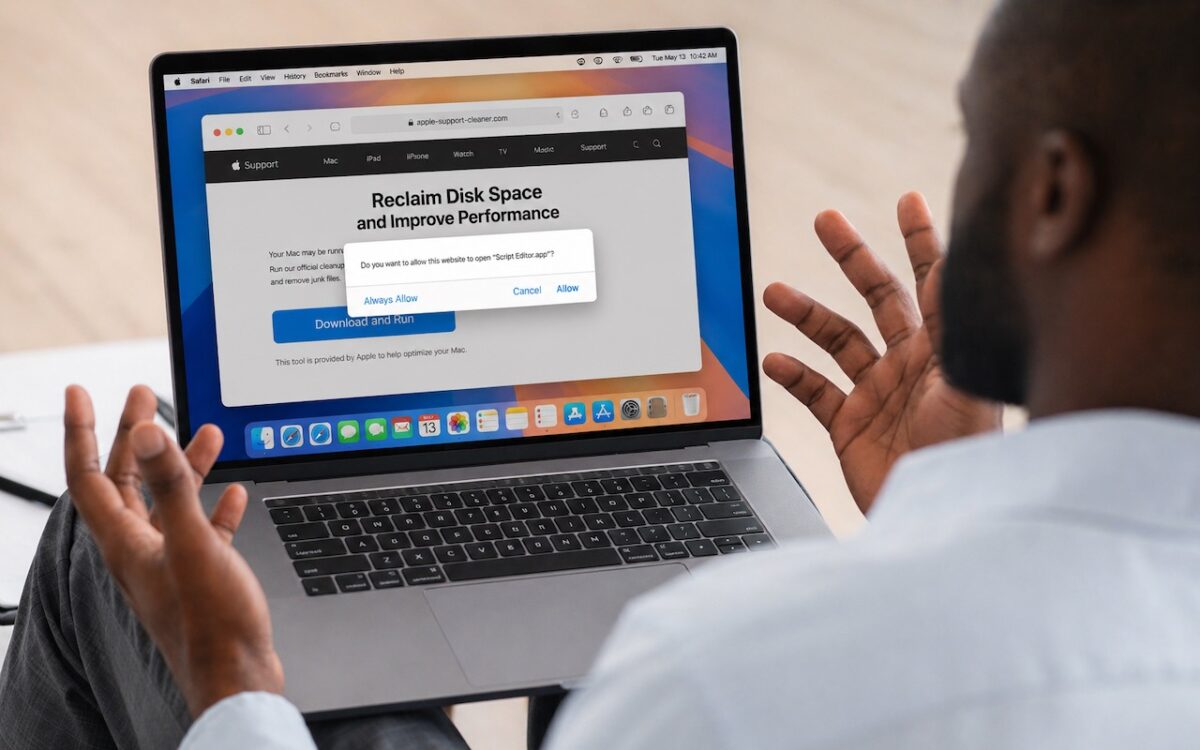
Attackers are now using fake websites to open Script Editor with pre-filled malicious scripts. Never run an AppleScript from any source you don’t completely trust!
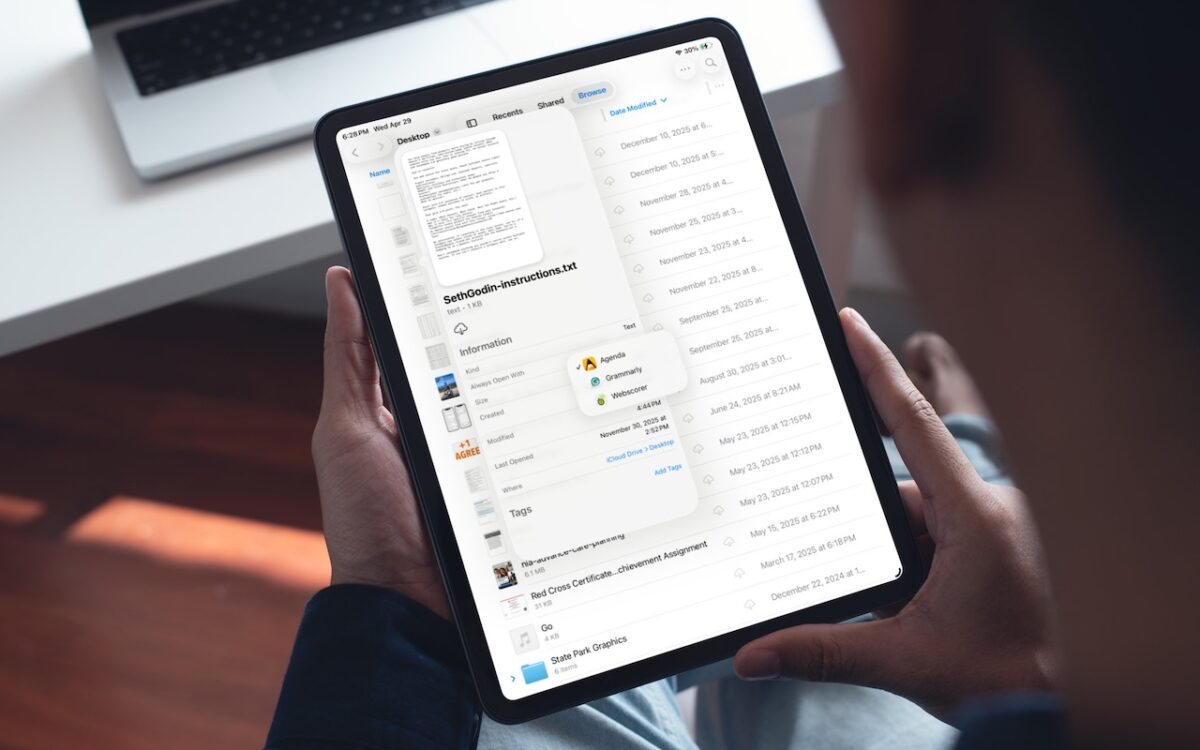
iOS 26 and iPadOS 26 finally let you choose which app opens your files — just like on the Mac. Here’s how to use Open With and set new defaults in the Files app.