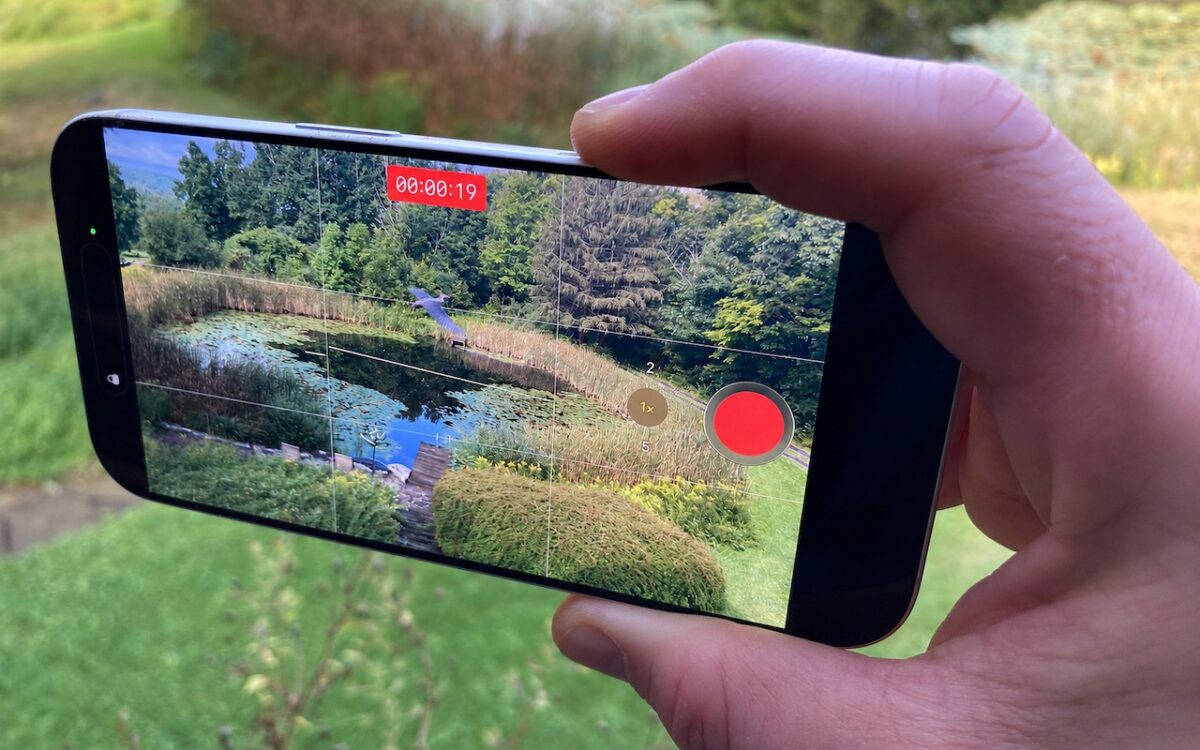
Need to capture a moment fast? On iPhone 16 and later, press the Camera Control once to open the Camera app, then press and hold to start recording video instantly.
 Ask Adam LLC: macOS & iOS consulting
Need to capture a moment fast? On iPhone 16 and later, press the Camera Control once to open the Camera app, then press and hold to start recording video instantly.
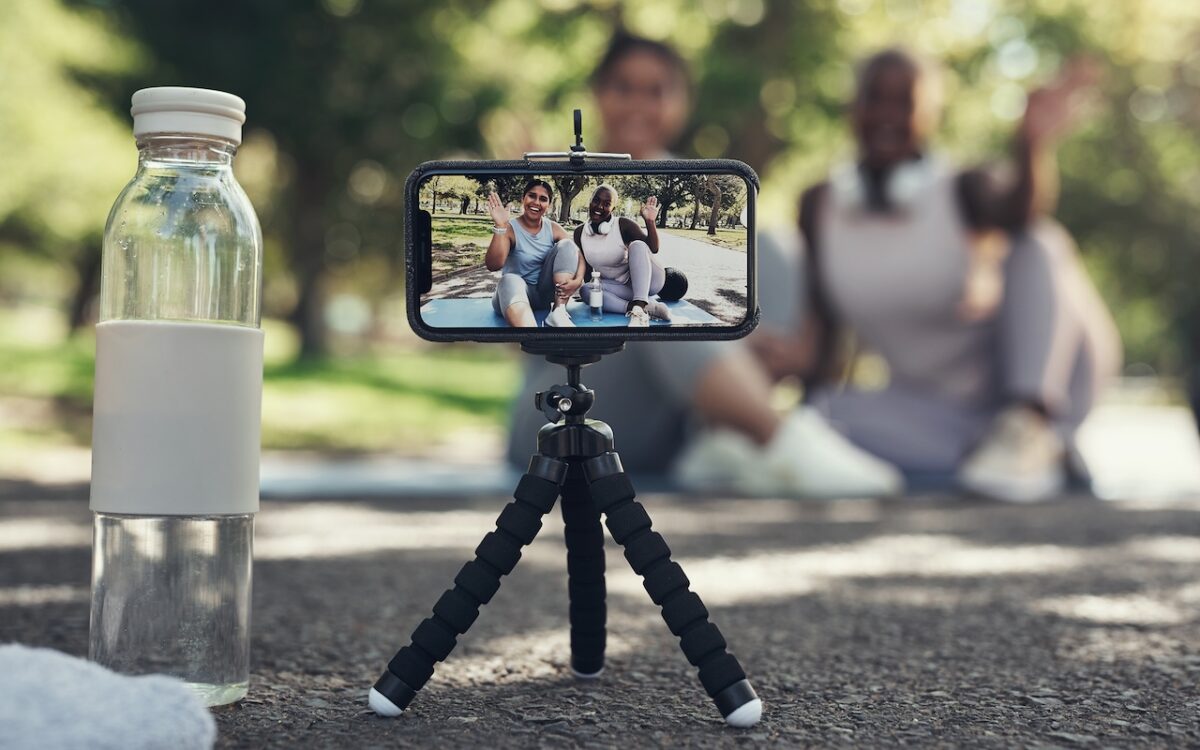
Your AirPods can now double as a camera remote in iOS 26. Here’s how to set it up so a press or press-and-hold triggers the shutter to take a photo or start and stop a video.
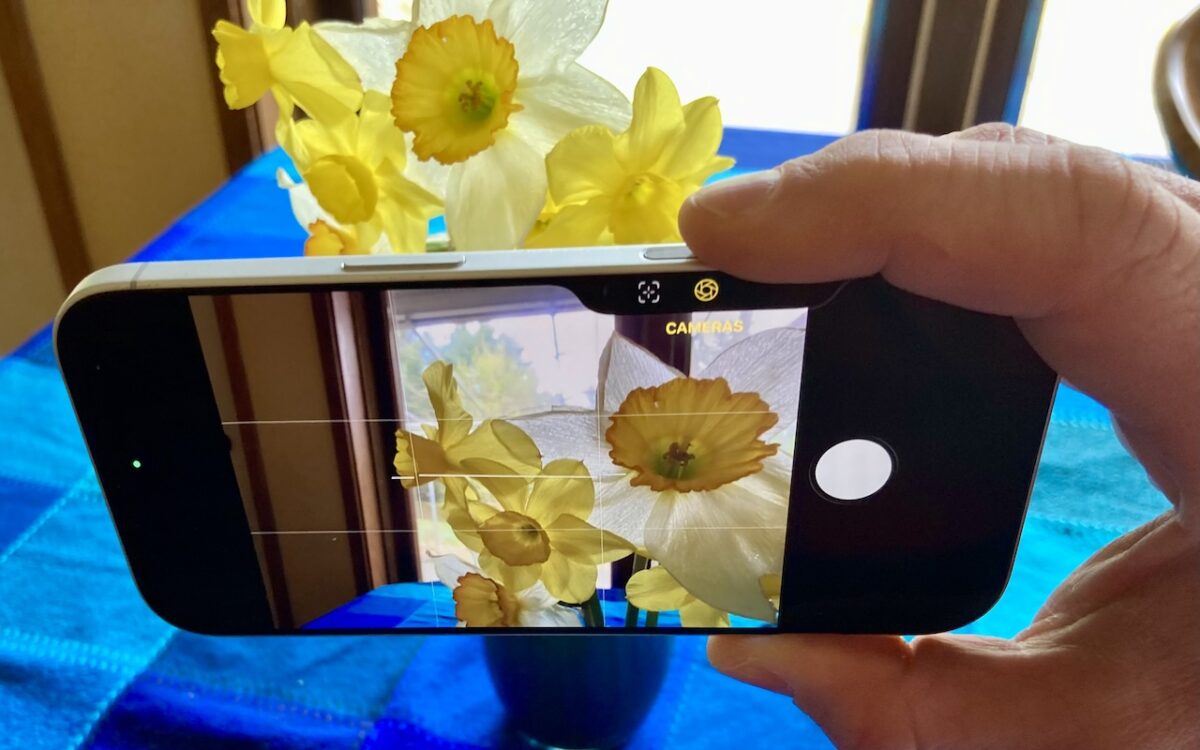
The Camera Control on the iPhone 16 and later is more than a shutter button — it’s a touch-sensitive shortcut to zoom, exposure, depth, and more. Here’s how to configure it so it works for you or doesn’t get in your way.