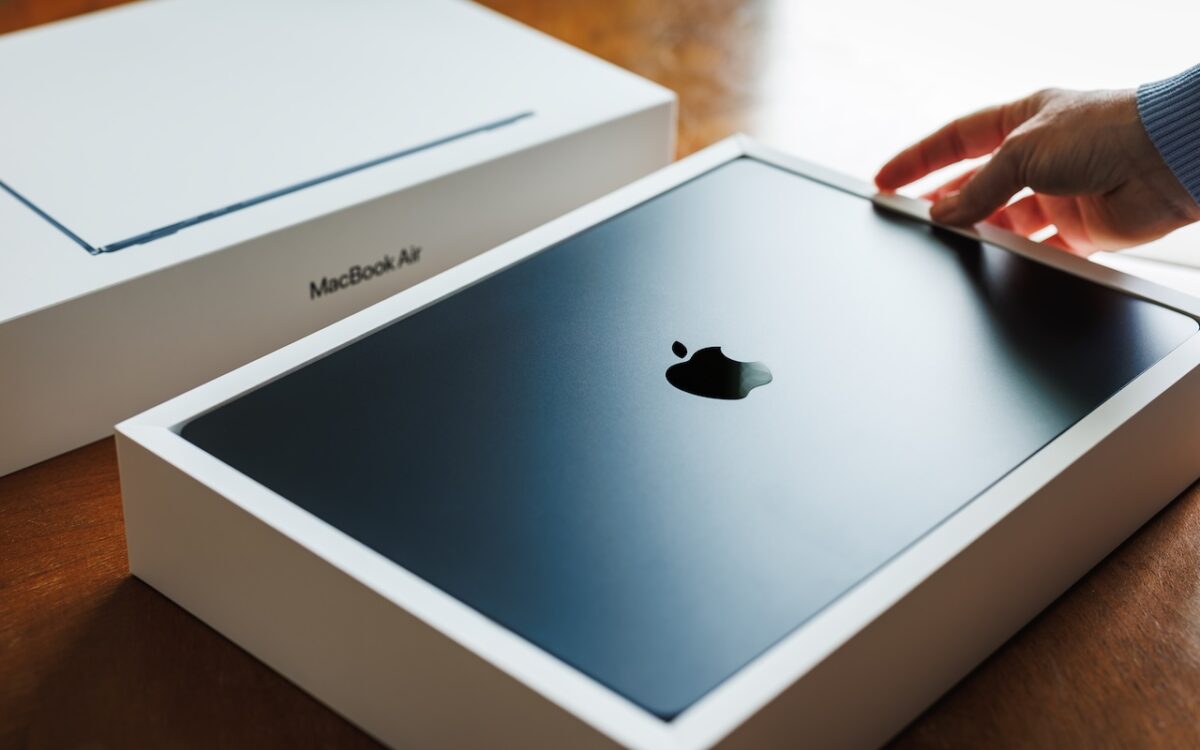
Which Mac is best for a college student now? The 13-inch or 15-inch M5 MacBook Air hits the sweet spot of performance, portability, and price. If budget is a constraint, consider the MacBook Neo; for more power, choose the 14-inch MacBook Pro.
 Ask Adam LLC: macOS & iOS consulting
Which Mac is best for a college student now? The 13-inch or 15-inch M5 MacBook Air hits the sweet spot of performance, portability, and price. If budget is a constraint, consider the MacBook Neo; for more power, choose the 14-inch MacBook Pro.

The Camera Control on the iPhone 16 and later is more than a shutter button — it’s a touch-sensitive shortcut to zoom, exposure, depth, and more. Here’s how to configure it so it works for you or doesn’t get in your way.
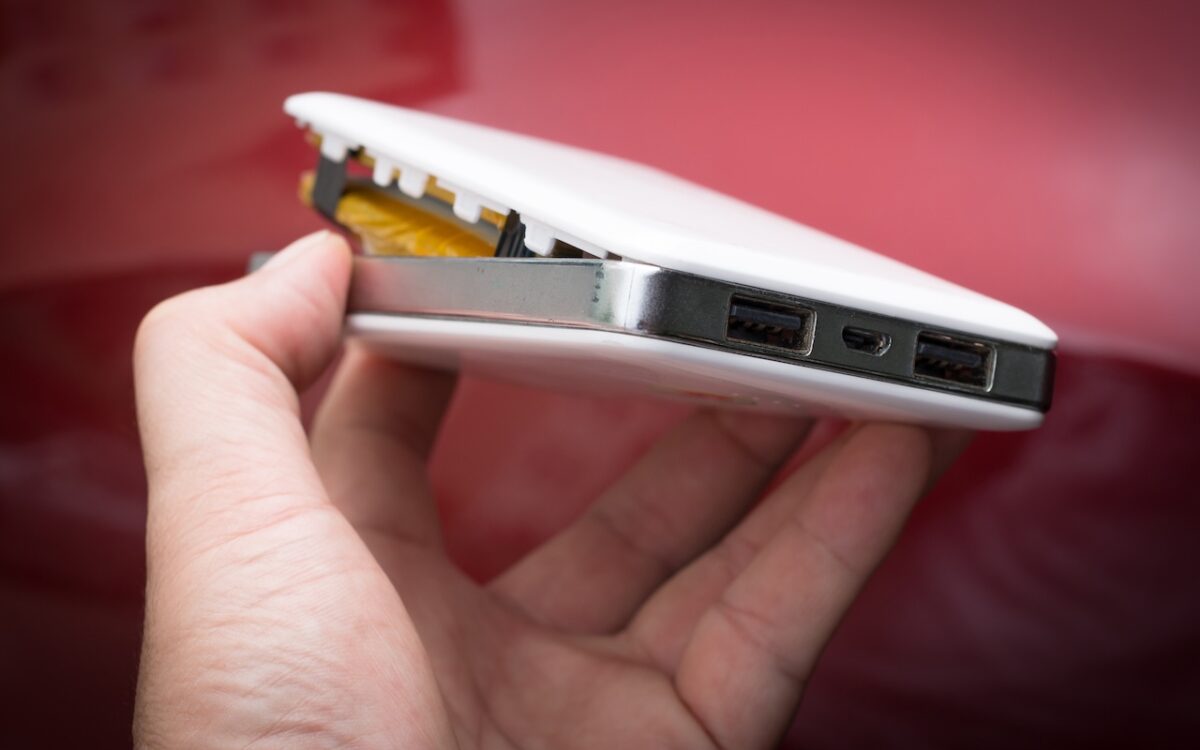
A study found that nearly 8% of cheap lithium-ion batteries have dangerous manufacturing defects that can cause catastrophic failure — even fires — while name-brand cells had none. Stick with reputable brands.

Those who have been missing Safari’s compact tab bar are in luck — it’s back as of macOS 26.4 and iPadOS 26.4. The compact tab bar is a welcome way to save vertical space for content.
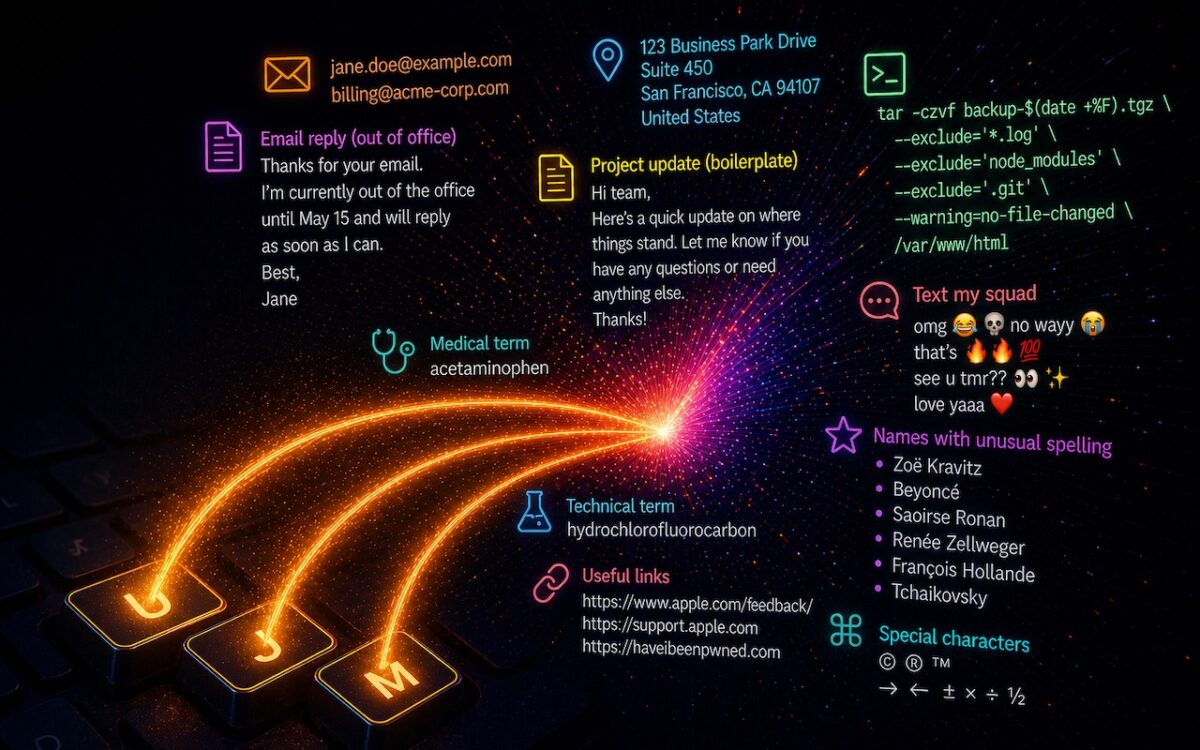
Tired of typing the same email address, phone number, or tricky words over and over? Text expansion on Mac and iOS can save you keystrokes every day.
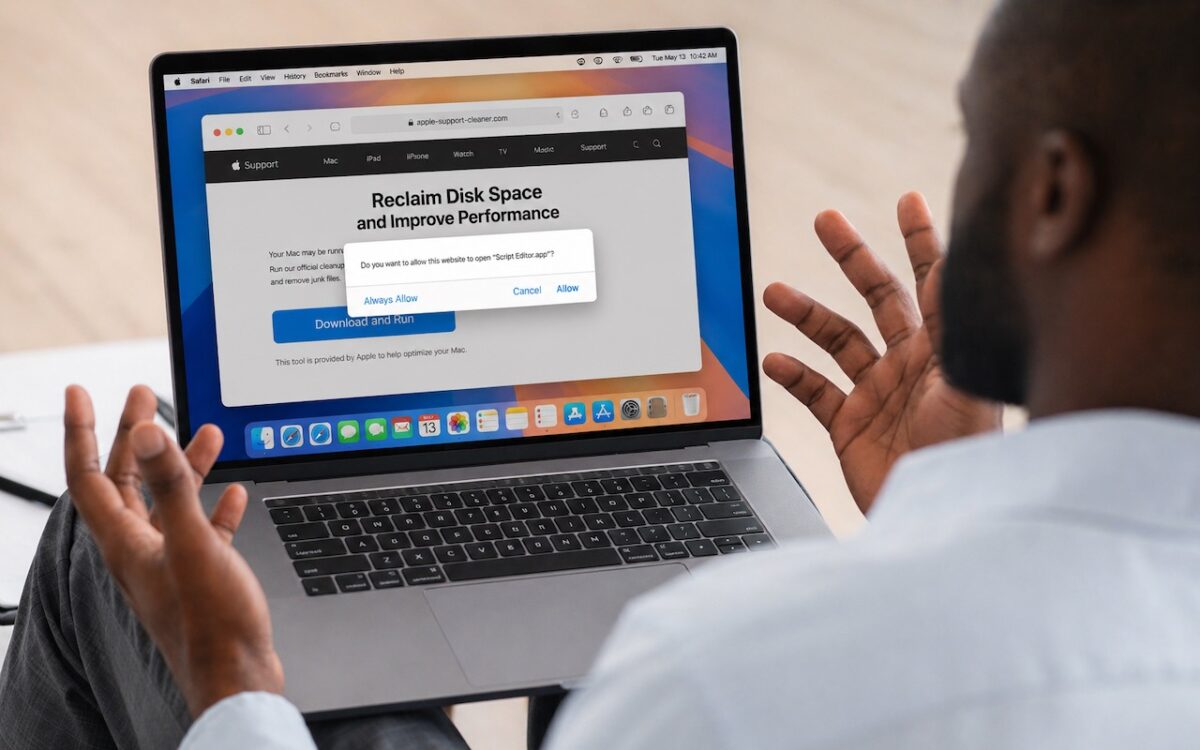
Attackers are now using fake websites to open Script Editor with pre-filled malicious scripts. Never run an AppleScript from any source you don’t completely trust!

Russian military intelligence recently exploited vulnerable home routers to steal passwords worldwide. You can keep your home network secure by replacing unsupported hardware, enabling automatic updates, and changing default passwords.
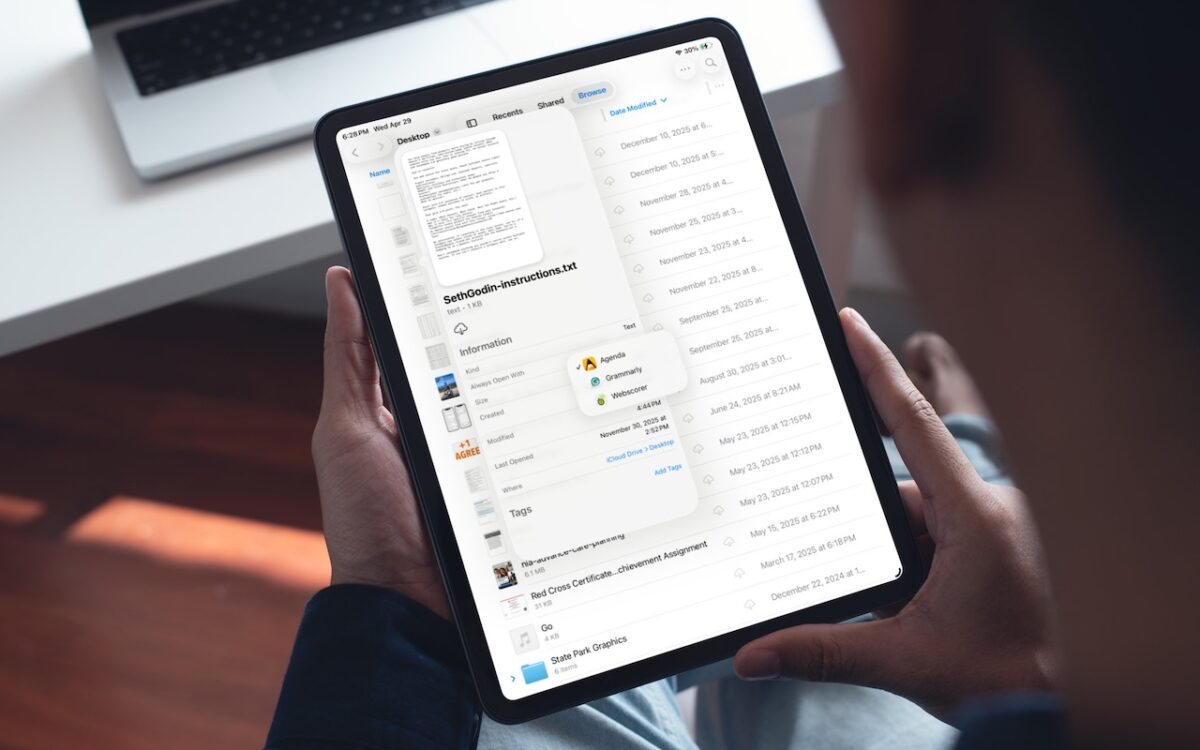
iOS 26 and iPadOS 26 finally let you choose which app opens your files — just like on the Mac. Here’s how to use Open With and set new defaults in the Files app.

Running macOS 26.4? You may start seeing warnings about Intel-based apps not opening. They won’t stop working until macOS 28, but now’s the time to find replacements. Here’s how to identify which apps need attention.
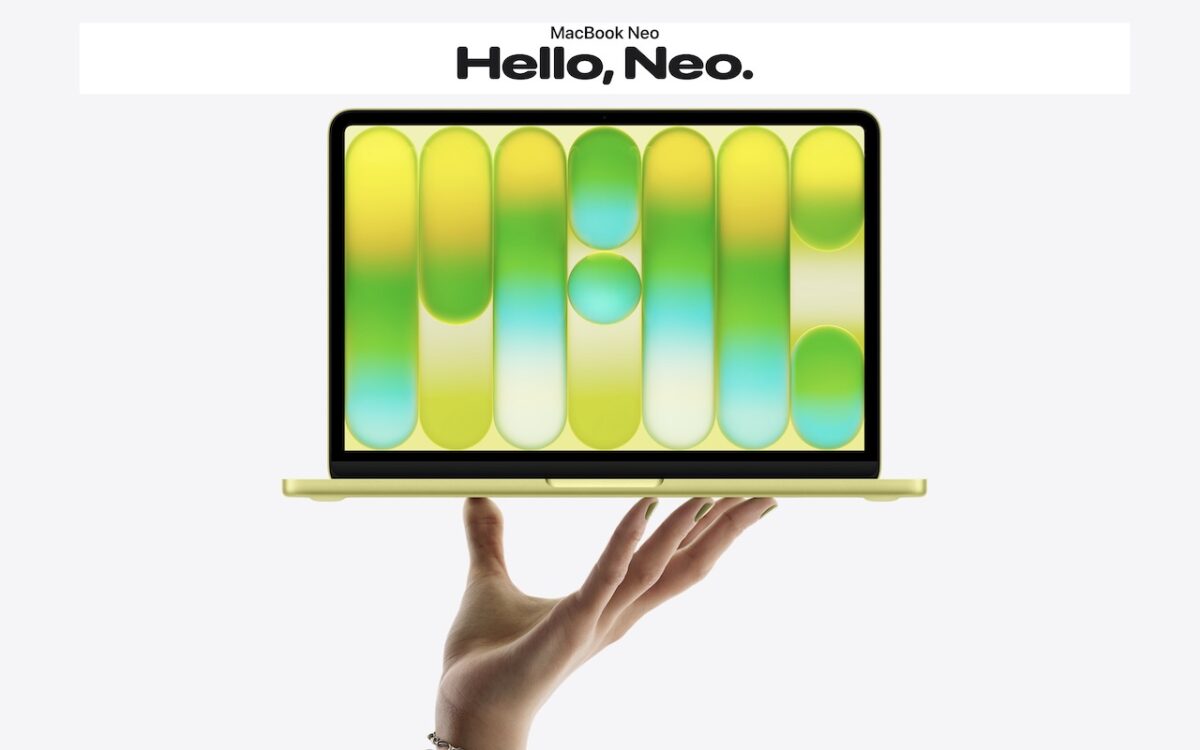
Apple’s new $599 MacBook Neo offers an affordable entry into the Mac ecosystem, but its compromises mean it’s best suited for K–12 students and users with basic computing needs. Here’s how it compares to the MacBook Air.