Need to share passwords, financial details, or sensitive documents securely? Email alone isn’t safe enough. Learn eight practical methods — from self-destructing links to encrypted disk images — that protect your data in transit and at rest.

 Ask Adam LLC: macOS & iOS consulting
Need to share passwords, financial details, or sensitive documents securely? Email alone isn’t safe enough. Learn eight practical methods — from self-destructing links to encrypted disk images — that protect your data in transit and at rest.

When’s the right time to upgrade your Mac, iPhone, iPad, or Apple Watch? The key warning signs: a battery that no longer lasts all day, performance lags, and the end of security updates. Here’s how to time it right.

Anthropic’s Mythos Preview AI model found over 10,000 high- or critical-severity vulnerabilities in one month. Similar AI models will soon be available to attackers, so keeping your devices updated has never been more important.
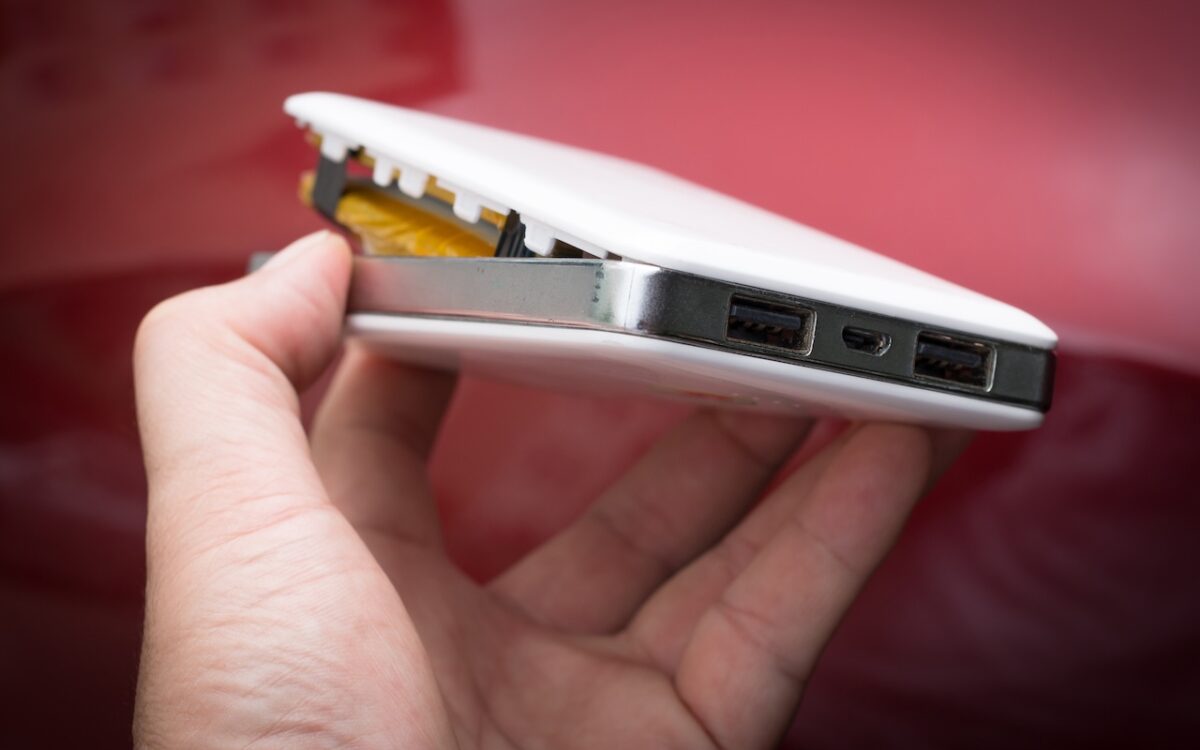
A study found that nearly 8% of cheap lithium-ion batteries have dangerous manufacturing defects that can cause catastrophic failure — even fires — while name-brand cells had none. Stick with reputable brands.
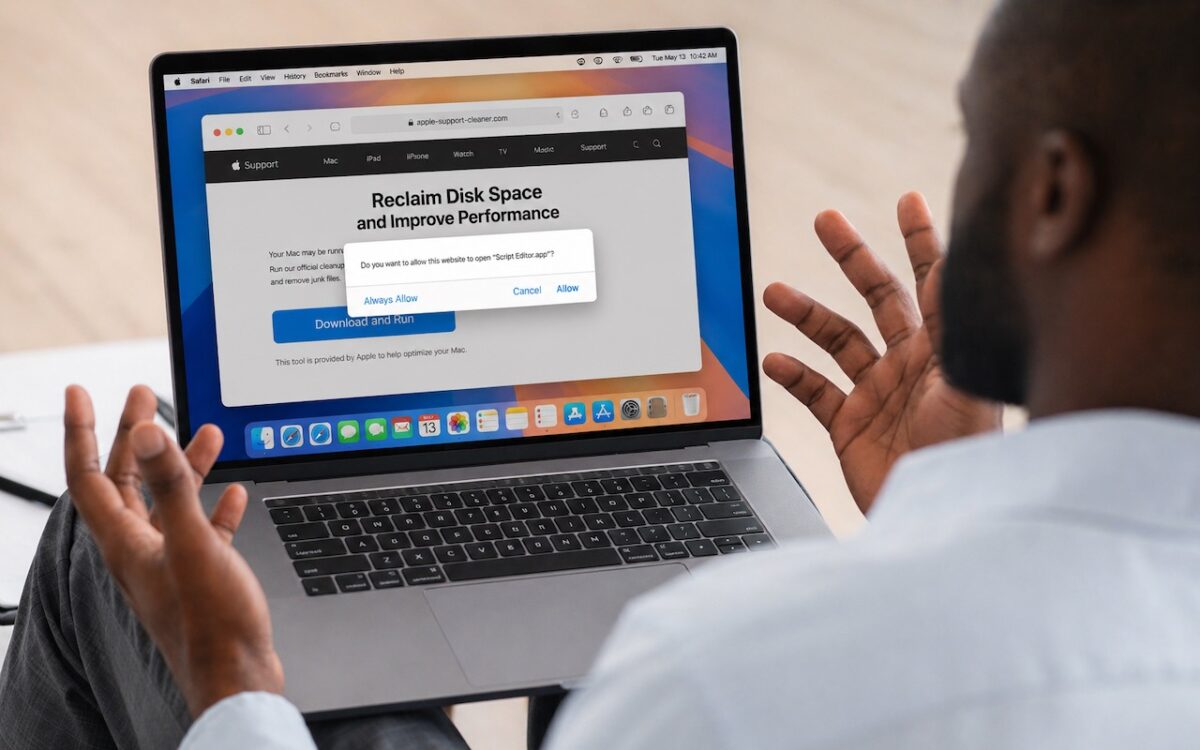
Attackers are now using fake websites to open Script Editor with pre-filled malicious scripts. Never run an AppleScript from any source you don’t completely trust!
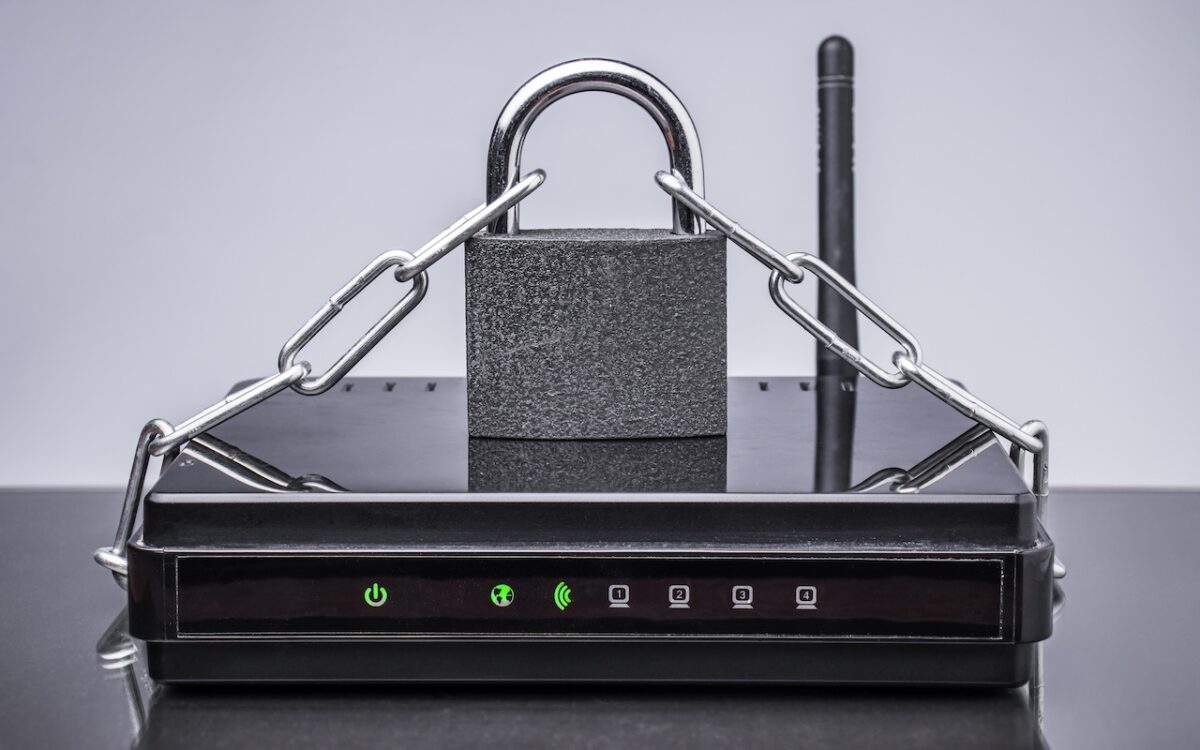
Russian military intelligence recently exploited vulnerable home routers to steal passwords worldwide. You can keep your home network secure by replacing unsupported hardware, enabling automatic updates, and changing default passwords.

When should you upgrade to macOS 26 Tahoe? There’s no rush to install it today, but we believe it’s safe for those who want to take advantage of the new features. Here’s what to do before, during, and after the upgrade.

Casual AI use won’t impact your organization. To see real productivity gains with AI projects, avoid top-down mandates and instead empower frontline teams, document workflows, and centralize support.

Hackers have learned how to poison shared chatbot conversations with malware — and get Google to display them in search results. Never trust step-by-step instructions or Terminal commands from user-generated chatbot pages.

Don’t just trust your backups — verify them. Each quarter, restore a few files from Time Machine, your clone, or your cloud backup, and make sure they open correctly. Silent failures happen; test restores prevent nasty surprises.