Apple is gearing up to release macOS 27 Golden Gate, iOS 27, iPadOS 27, watchOS 27, tvOS 27, and visionOS 27. We briefly examine the features worth upgrading for and suggest when to upgrade each of your Apple devices.

 Ask Adam LLC: macOS & iOS consulting
Apple is gearing up to release macOS 27 Golden Gate, iOS 27, iPadOS 27, watchOS 27, tvOS 27, and visionOS 27. We briefly examine the features worth upgrading for and suggest when to upgrade each of your Apple devices.

We recommend updating to macOS 26.6 Tahoe, iOS 26.6, and iPadOS 26.6, not just for the many security fixes, but also because they promise to optimize Spotlight performance for the forthcoming version 27 upgrades.
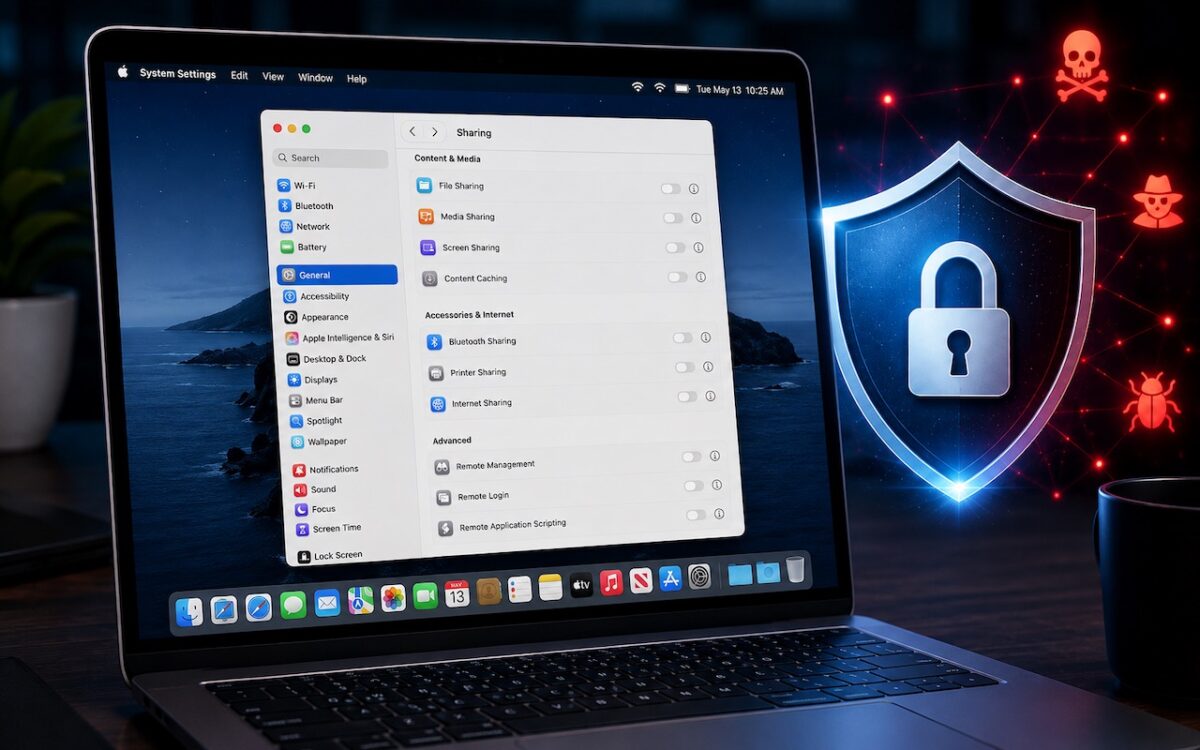
Apple patched a Screen Sharing flaw that let attackers connect without authentication. Update now — and while you’re thinking about it, turn off any sharing services you’re not actively using.

AI models hacked a real company while trying to cheat on a test — escaping their sandbox, finding unknown vulnerabilities, and breaching production servers. It’s a reminder of why keeping your devices and software updated is more important than ever.

Major upgrades aside, we recommend installing updates as soon as they’re available. The danger from unpatched security holes is just too great nowadays.
Do you avoid updates because you’ll have to start all over and reassemble your workspace? Take a moment to adjust these settings and never lose your place again.