
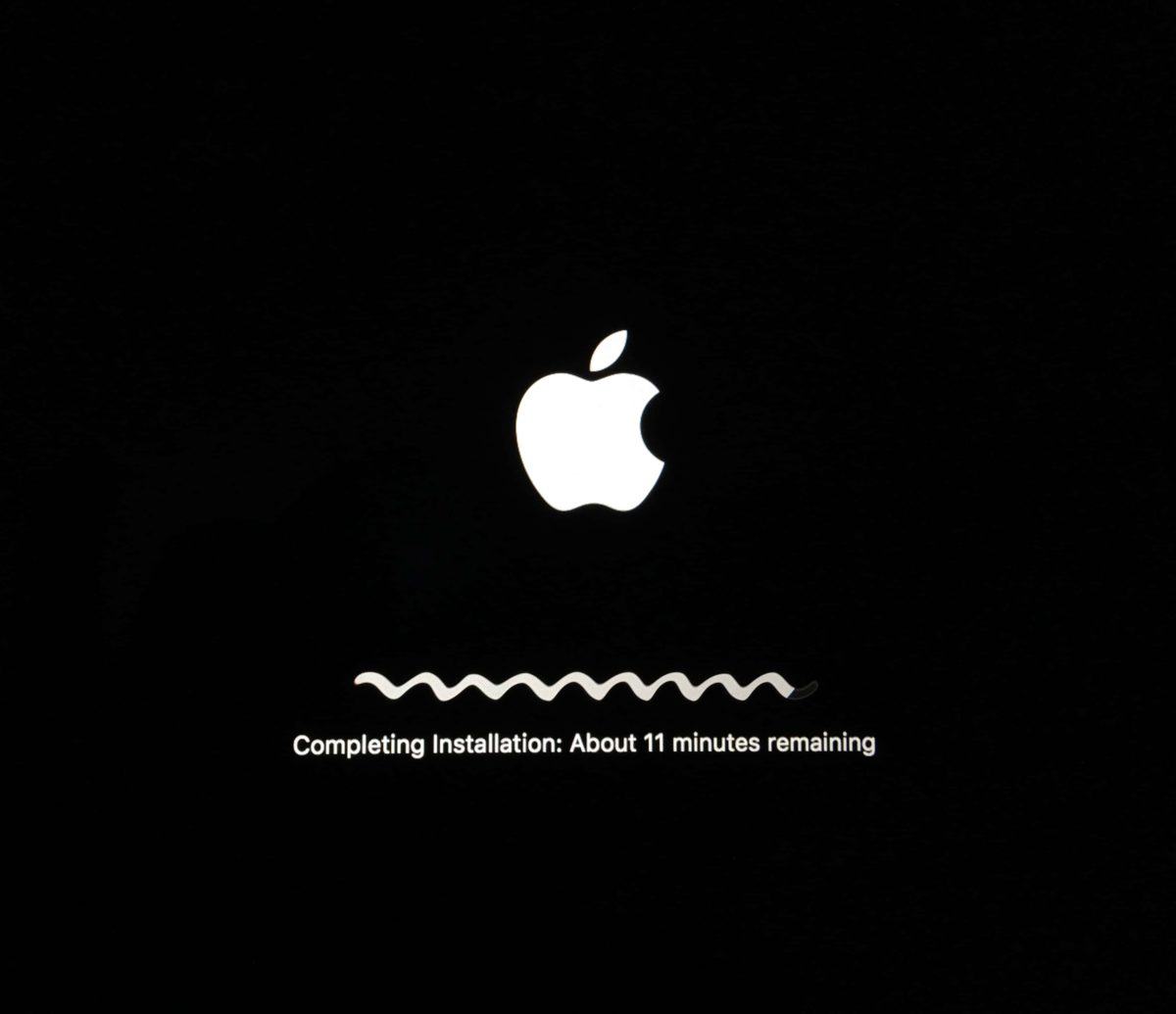
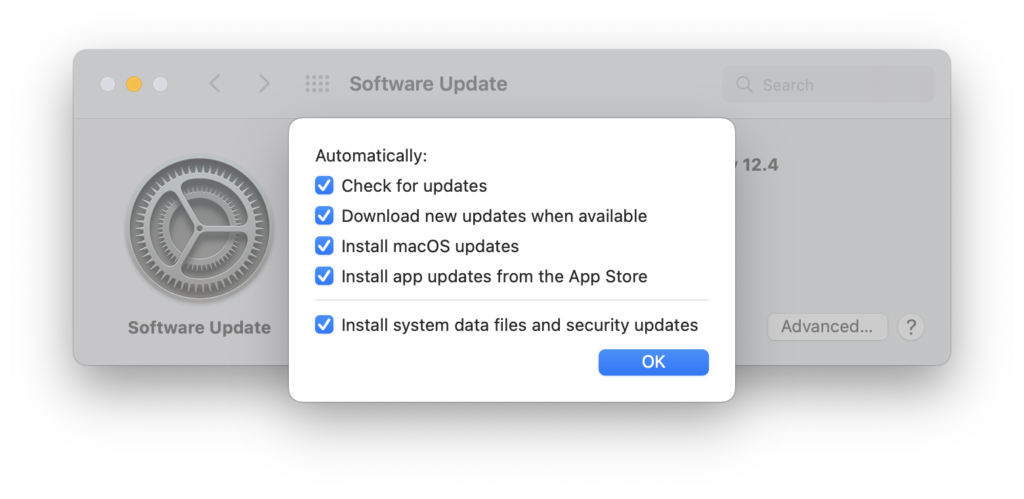
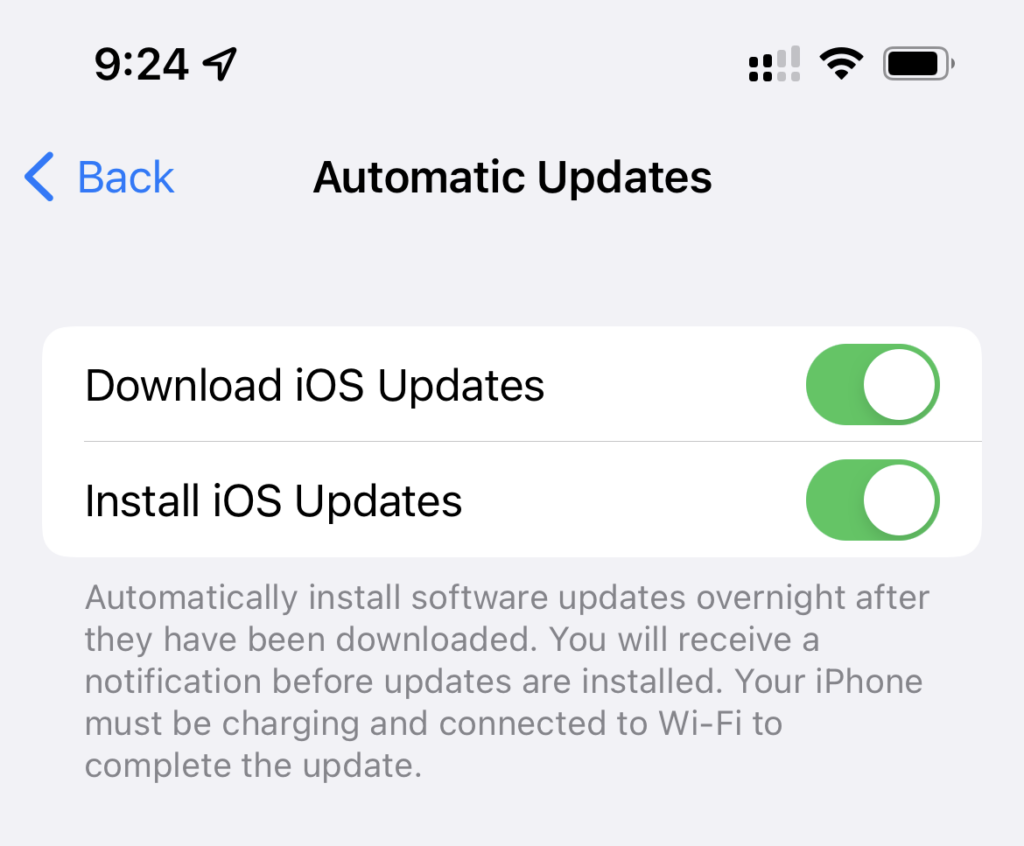
It’s critical to keep your operating system and applications up to date. Turn on automatic updates for your operating system and App Store apps, and restart your computer frequently to allow other apps to check for updates.
Recommended versions of Apple operating systems:
macOS Golden Gate 27.2
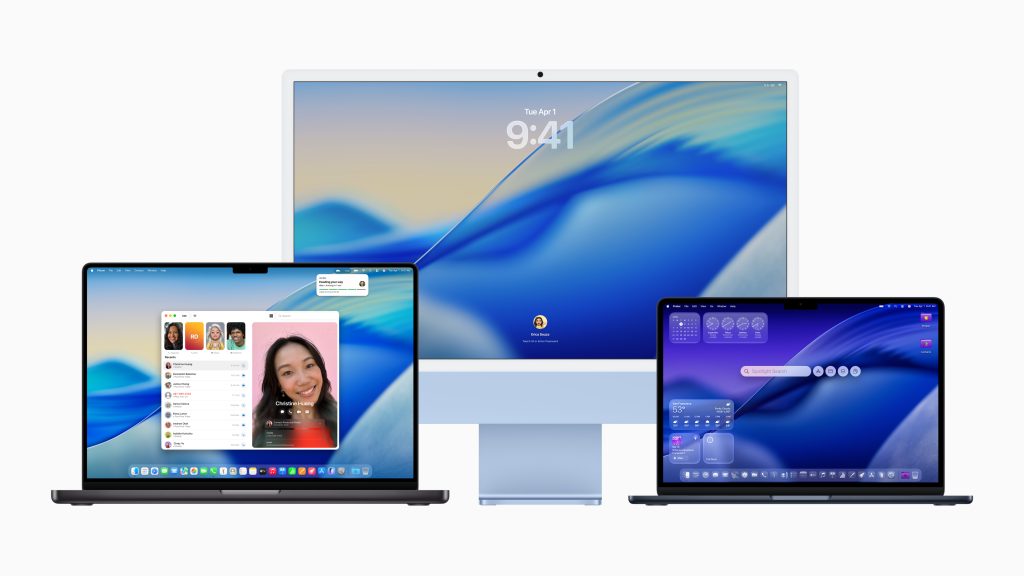
If your Mac supports it, you should be running macOS Golden Gate 27.2. If you have an older Mac, you should be running macOS Tahoe 26.7.2 or macOS Sequoia 15.8.1 and Safari 27.2.
If your Mac can’t run macOS 15 Sequoia, Apple is no longer keeping your Mac secure, and you should think about getting a new Mac.
To see what version of macOS you have, click on the Apple menu and choose “About This Mac”.
Update macOS on Mac (apple.com)
How to download and install macOS (apple.com)
What’s new in the updates for macOS Tahoe
What’s new in the updates for macOS Sequoia
macOS Tahoe is compatible with these computers
macOS Sequoia is compatible with these computers
iOS & iPadOS: 27.2
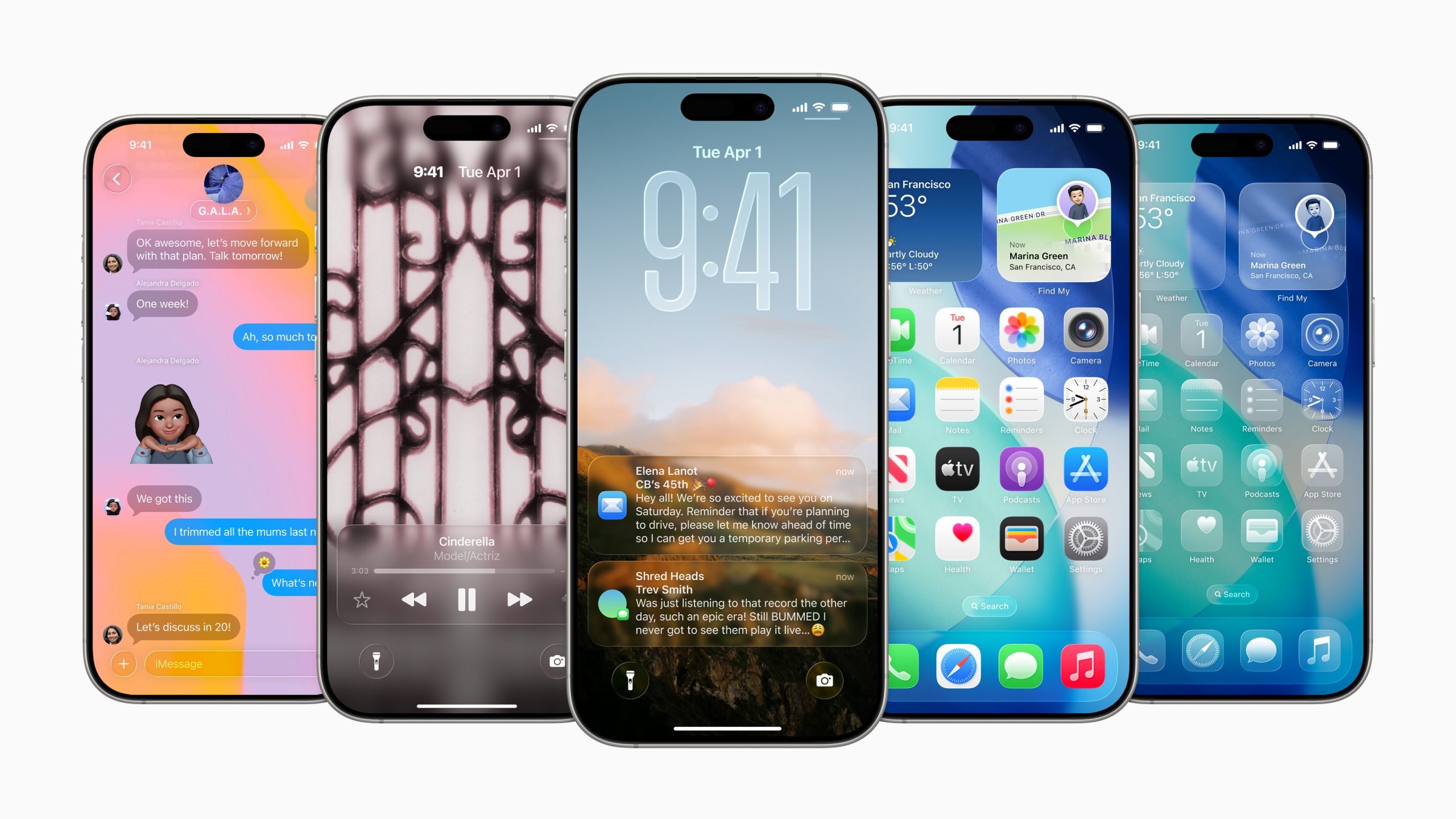
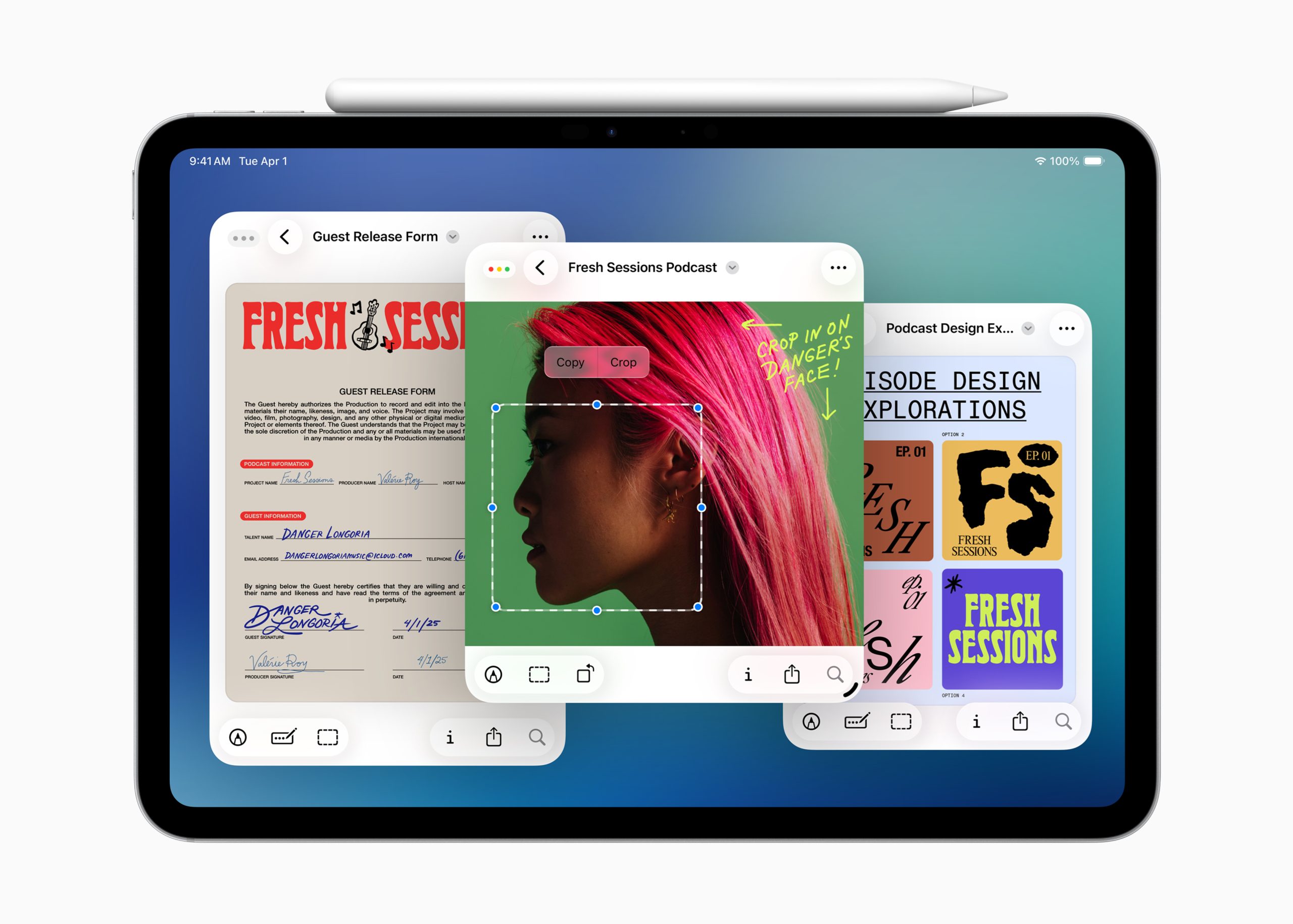
Your iPhone and iPad should be running the latest versions of iOS & iPadOS. The latest iOS for iPhone is 27.2. If your iPad can’t update to 27, iPadOS is acceptable. NO OLDER VERSIONS OF iPadOS ARE SAFE TO USE. iPhones must be updated to iOS 26 to be secure, so if your iPhone can’t run iOS 26 it needs to be replaced.
Update your iPhone, iPad, or iPod touch (apple.com)
iPhone models compatible with iOS 26
Identify your iPhone model
iPad models compatible with iPadOS 26
Identify your iPad model
About iOS 26 Updates
About iPadOS 26 Updates
Other updates
Is my browser out of date? (whatismybrowser.com)
How to update your Apple TV (apple.com)
How to update your Apple Watch (apple.com)
Apple security releases (apple.com)
(Featured image “Upgrade” by Ged Carroll licensed under CC BY 2.0)